Press kit
Facts, bios and downloadable assets for writing about Best Latest Apps.
Images may be used freely in coverage. Press contact: aryansbtloe.business@gmail.com
About Best Latest Apps
Best Latest Apps is an independent iOS app studio run by Alok Singh, an iOS engineer with more than 15 years of experience. The studio has 24 free apps on the App Store, including Haptics Explorer, Mic to Speaker - Virtual Mic and Push Notification - Tester. They span developer tools, audio and everyday utilities. More at bestlatestapps.com.
All apps on the App Store (developer page)
Founder
Alok Singh is an iOS engineer with 15+ years of experience, based in India. Since April 2020 he has been the solo developer of 24 free App Store apps under the name Best Latest Apps, and he designs, builds and maintains all of them himself.
Contact: aryansbtloe.business@gmail.com
Featured apps
- Haptics Explorer
- Mic to Speaker - Virtual Mic
- Push Notification - Tester (Mac)
- Push Notification - Client

Haptics Explorer
A reference and testing tool for iOS developers and designers working on haptic feedback.
| Category | Developer Tools |
|---|---|
| Platforms | iPhone, iPad |
| Price | Free (contains ads). In-app purchases: Premium $3.99/month or $1.99/week; Remove Ads $6.99 |
| Current version | 2026.10.03 (released 7 Oct 2026) |
Key features
- Pattern library in 8 categories: Impact, Notifications, Selection, Rhythm, Gesture, Game, Accessibility and Custom
- Live testing with play, loop, speed (0.5×, 1×, 2×), intensity and sharpness controls
- Long test: replay a pattern for 15 seconds, 60 seconds, or until you stop
- Copy matching Swift code for UIKit, SwiftUI, Combine and async/await
- Custom Pattern Creator and Sequence Editor; record a rhythm by tapping, or turn a short sound into taps
- Widgets, Control Center and Siri to replay the last pattern
- AHAP import (free) and export (Premium); “Describe a pattern” with Apple Intelligence (Premium)
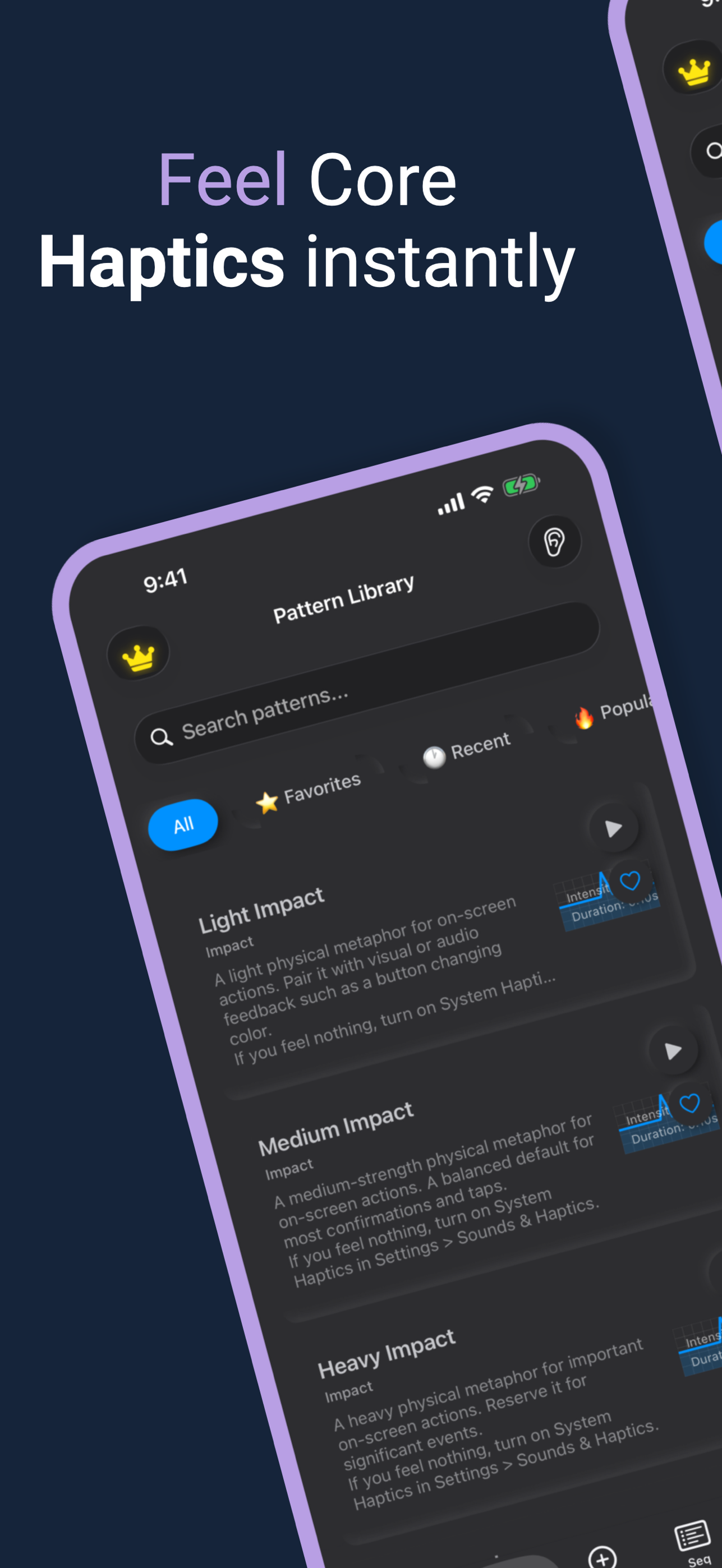
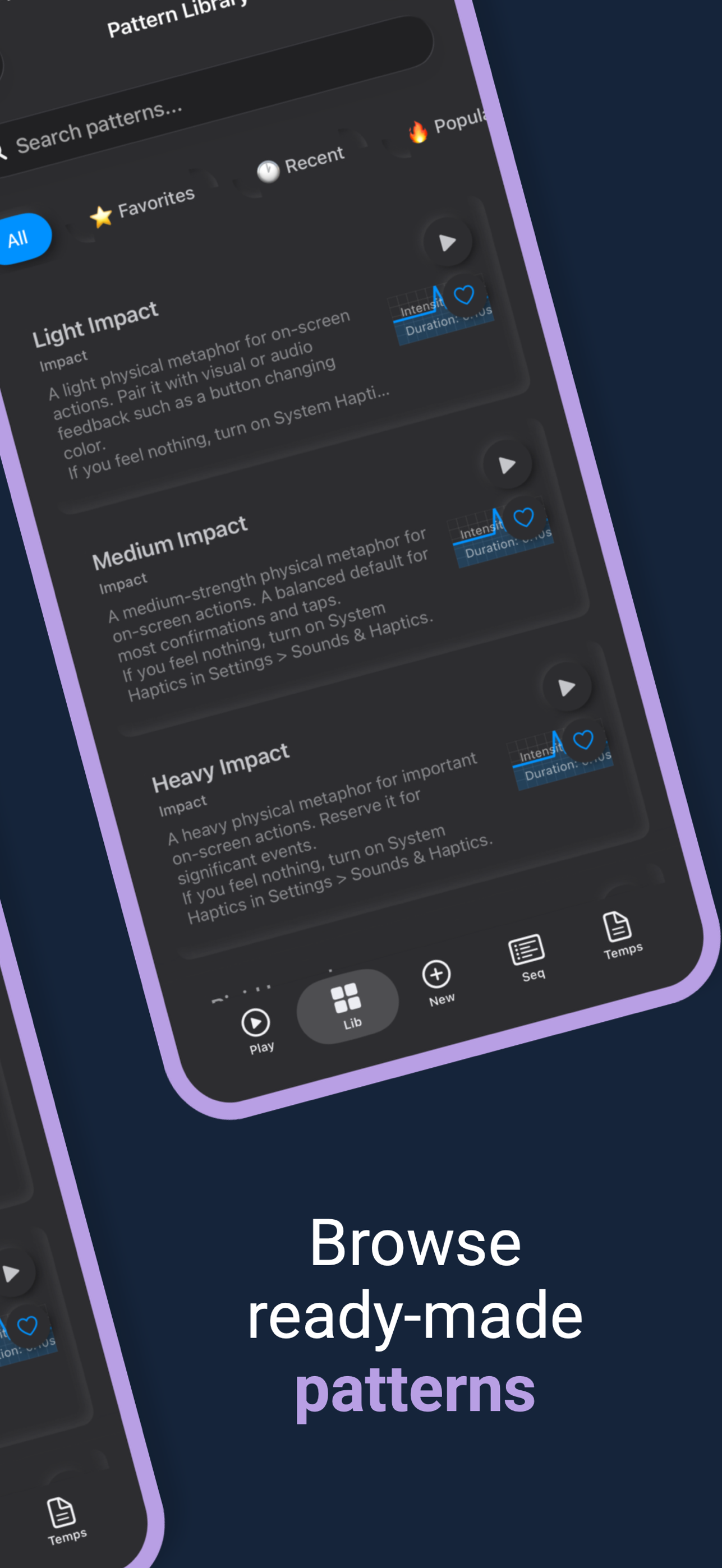
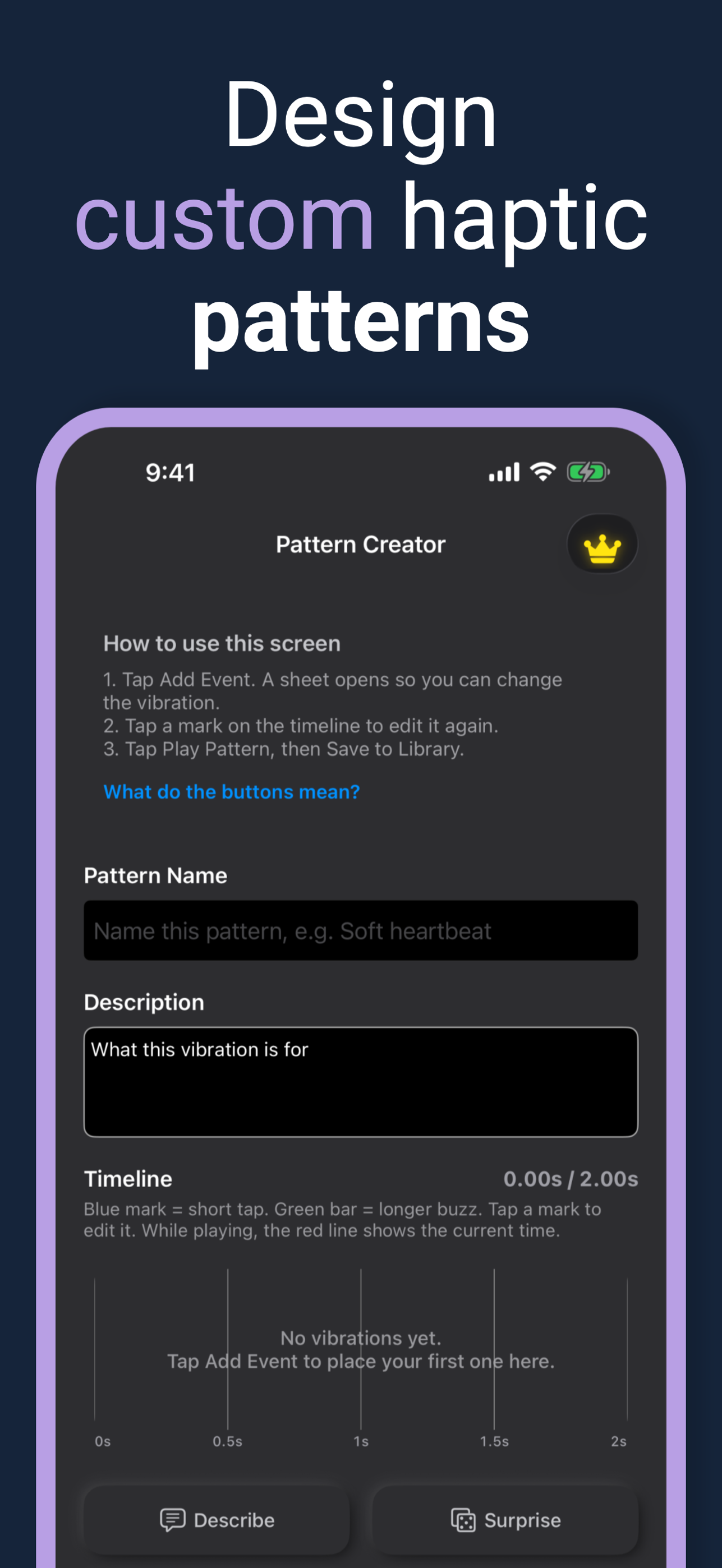
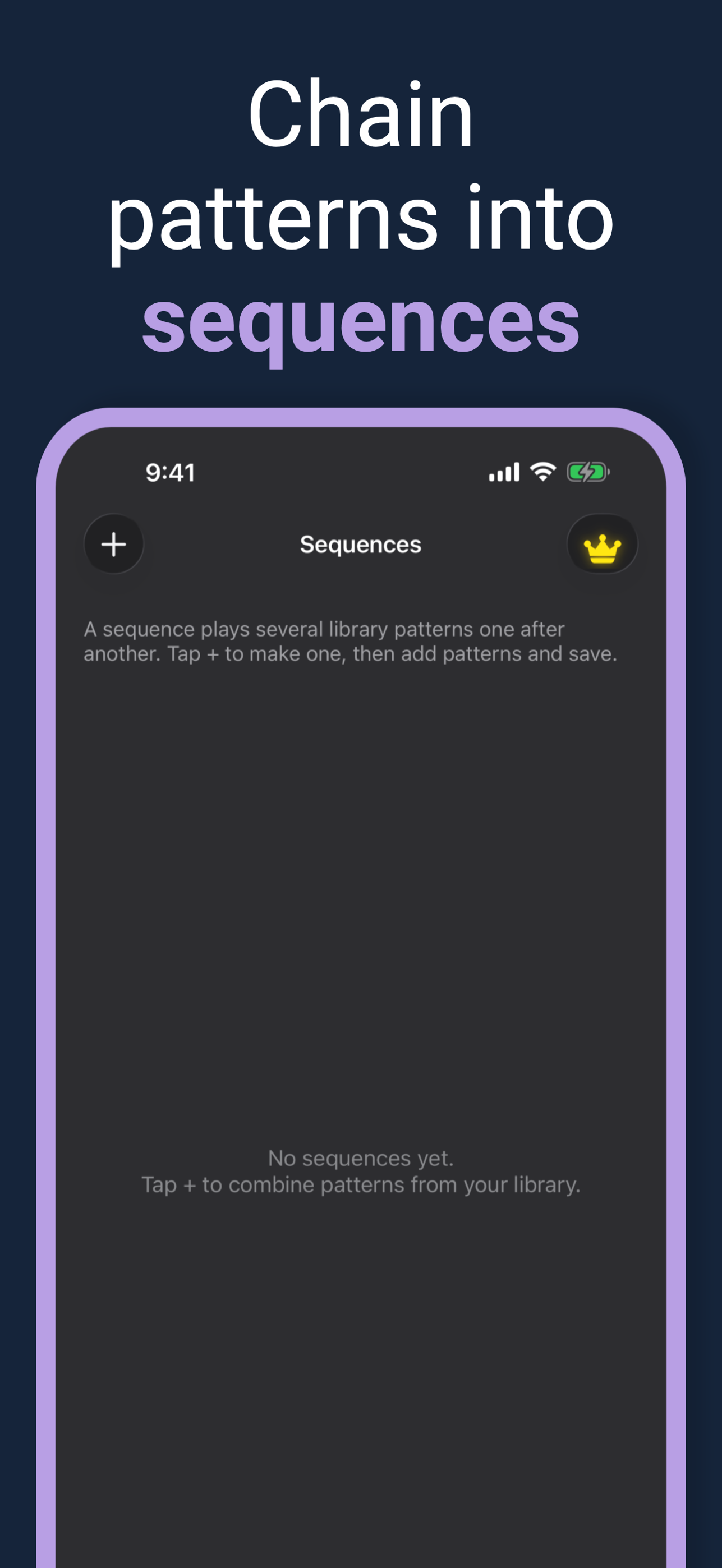
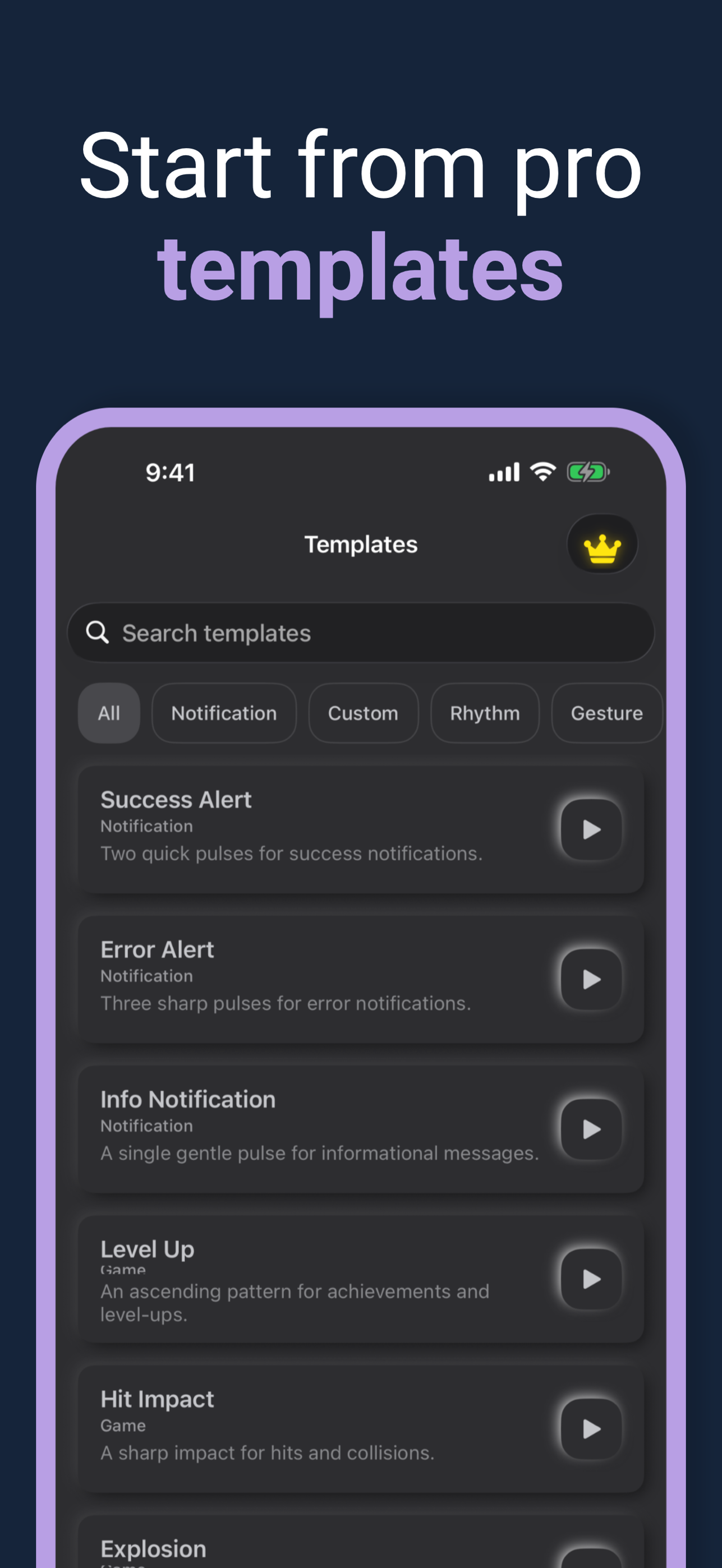
Downloads: App icon (1024×1024 PNG) · Screenshot 1 · Screenshot 2 · Screenshot 3 · Screenshot 4 · Screenshot 5 (full resolution PNG)
Mic to Speaker - Virtual Mic
Turns an iPhone or iPad into a live microphone that plays your voice through a connected speaker.
| Category | Music |
|---|---|
| Platforms | iPhone, iPad |
| Price | Free (contains ads). Optional in-app purchase: Premium $29.99 |
| US rating | 4.5 out of 5 stars from 3,415 US ratings |
Key features
- One tap to turn the mic on or off; keeps working in the background and with the screen locked
- Output to Bluetooth speakers and headphones, AirPlay devices, wired speakers, home stereos and car audio
- Real-time voice effects: echo, reverb, bass, treble and volume
- Every session is recorded automatically; play back, trim, share or export
- Save recordings to iCloud Drive, Dropbox or Google Drive, or keep them on the device
- Choose the microphone, sound quality and audio format (MP3, WAV, M4A)
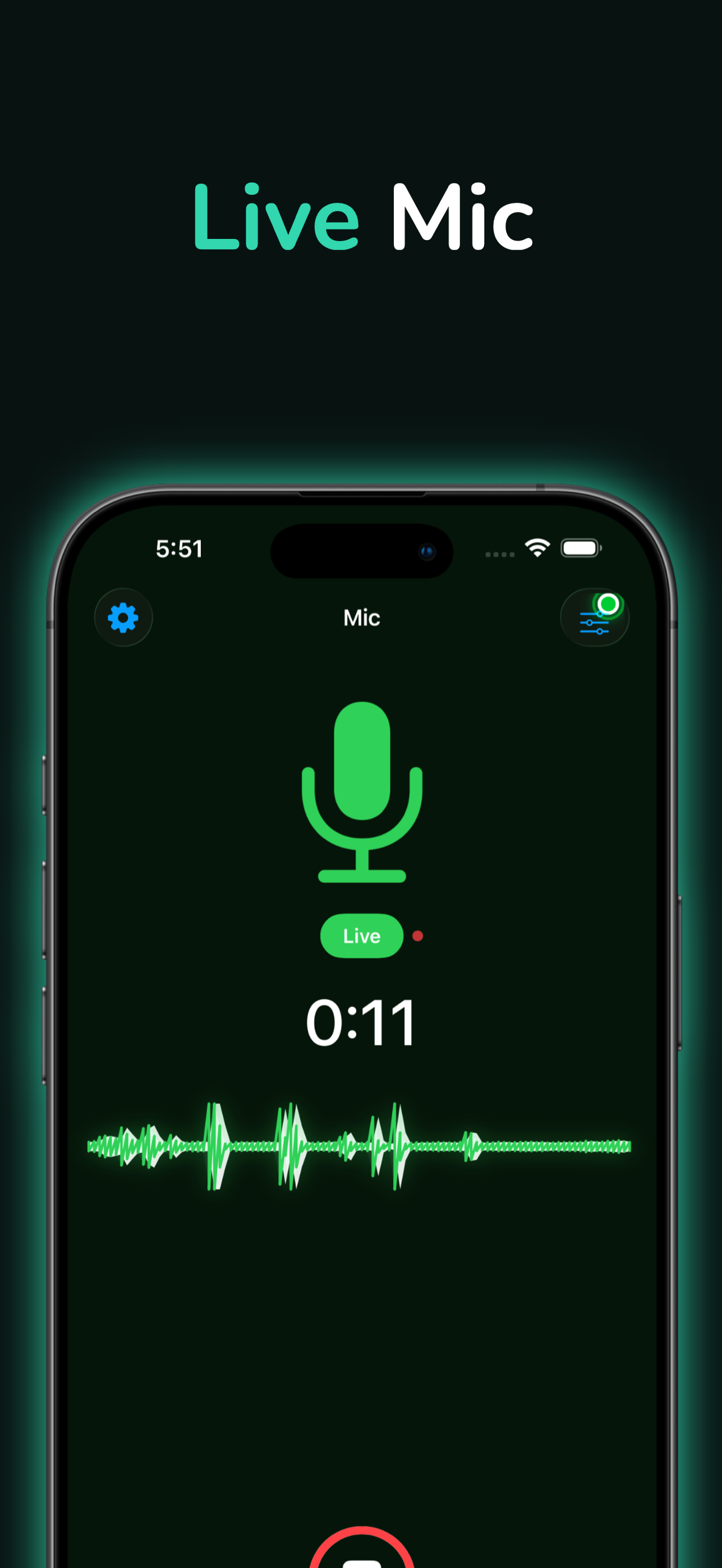
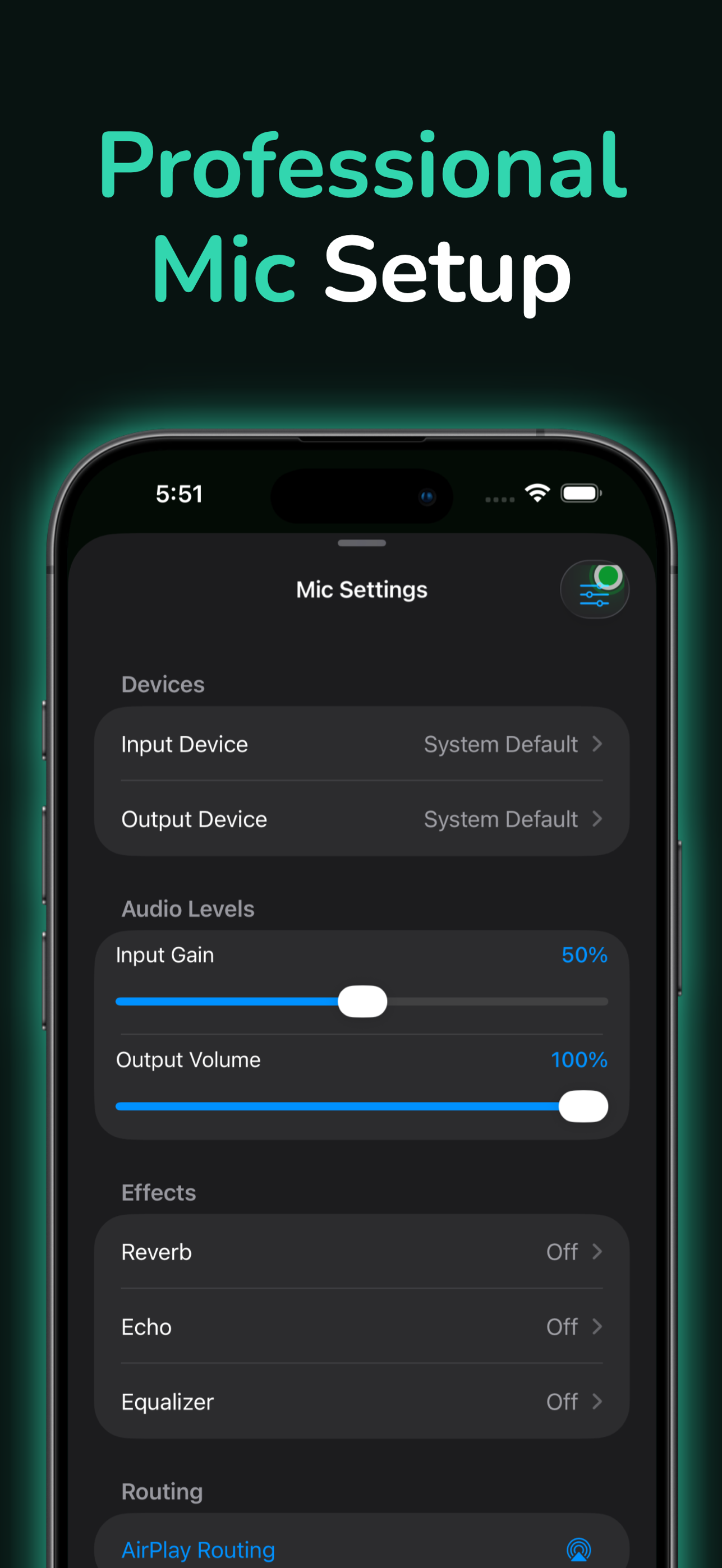
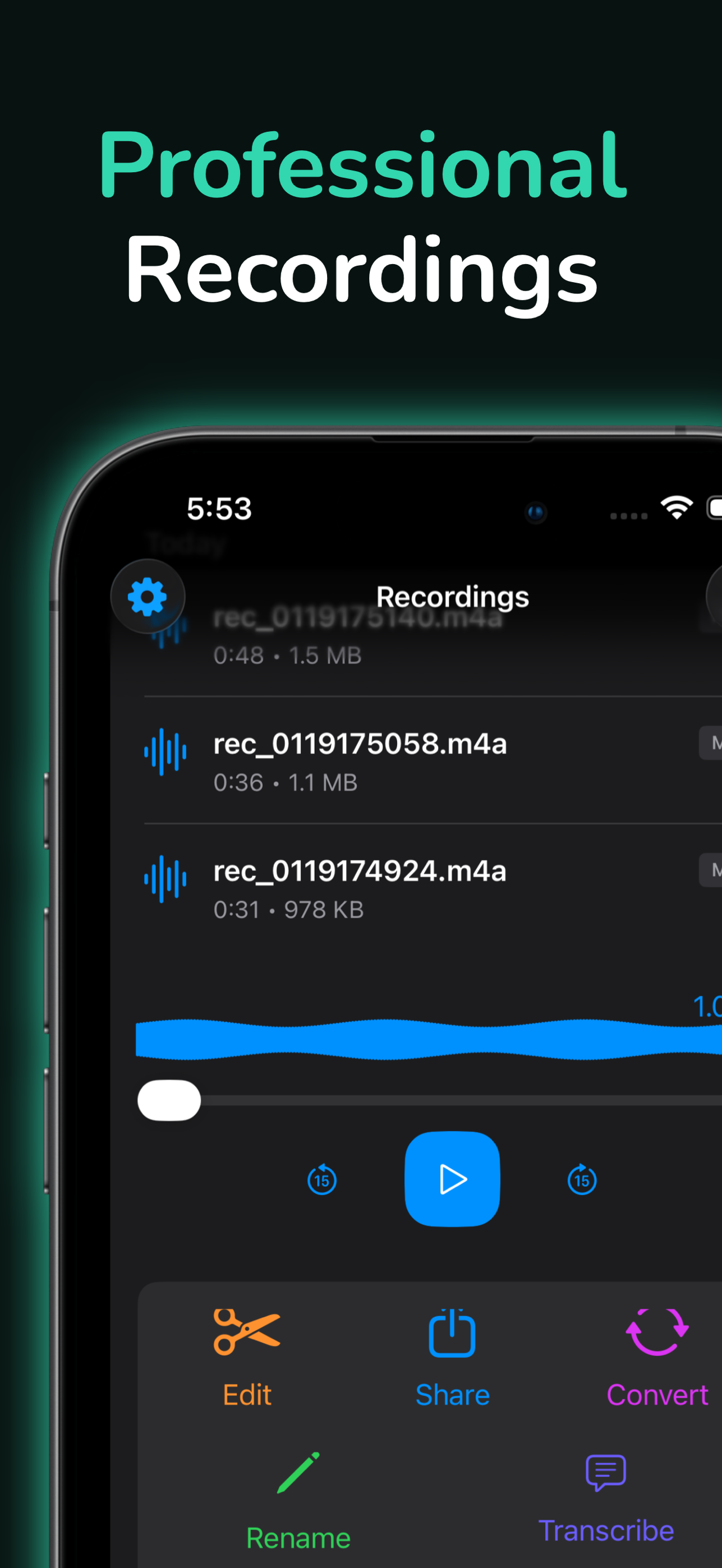
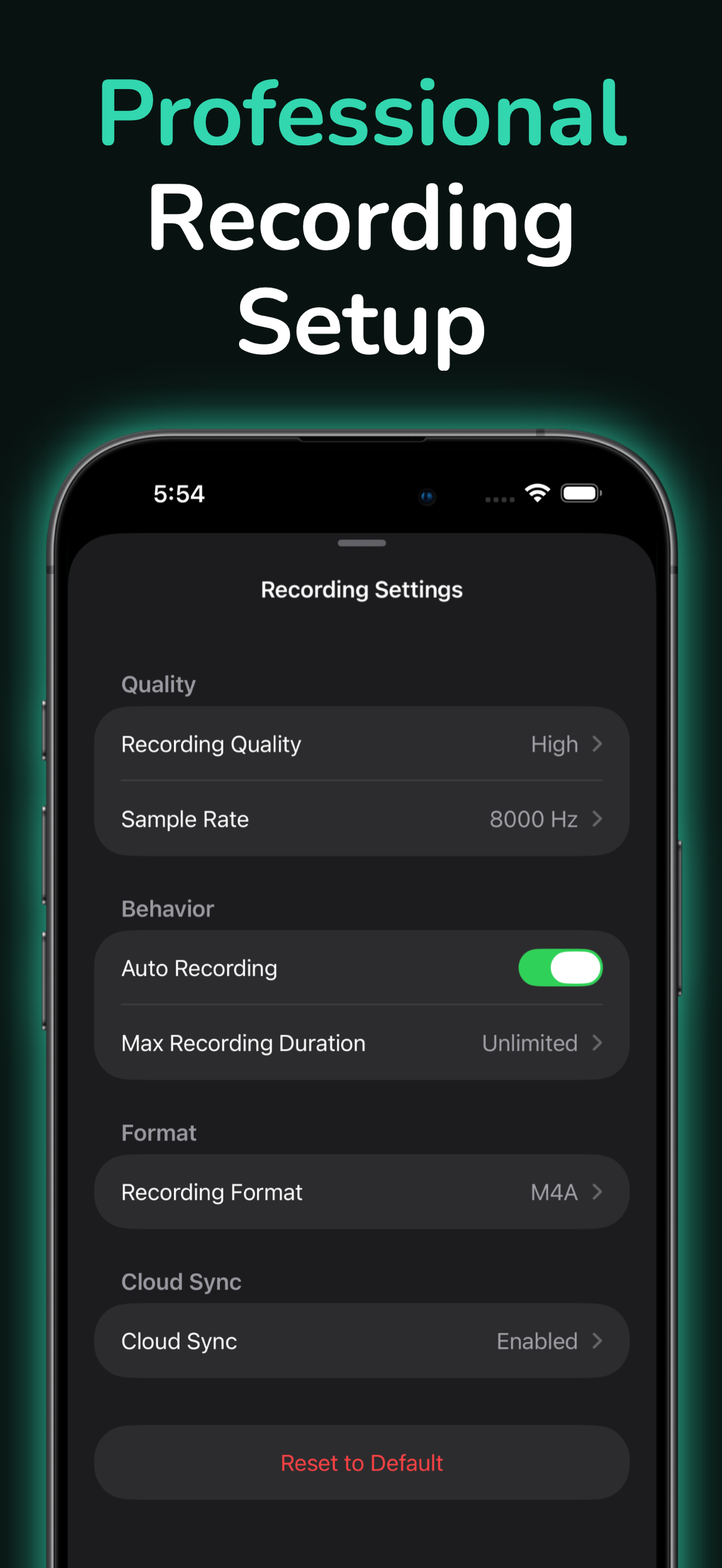
Downloads: App icon (1024×1024 PNG) · Screenshot 1 · Screenshot 2 · Screenshot 3 · Screenshot 4 (full resolution PNG)

Push Notification - Tester (Mac)
A Mac app for sending test notifications through Apple Push Notification service (APNs) without a backend.
| Category | Developer Tools |
|---|---|
| Platform | Mac |
| Price | Free |
| Authentication | Certificate-based (push certificate from the Keychain) |
Key features
- Send APNs pushes from a Mac with no server
- Select the push certificate directly from the Keychain
- Paste any device token and send
- Target the Development (sandbox) or Production environment
- Custom JSON payloads for alerts, badges, sounds and silent content
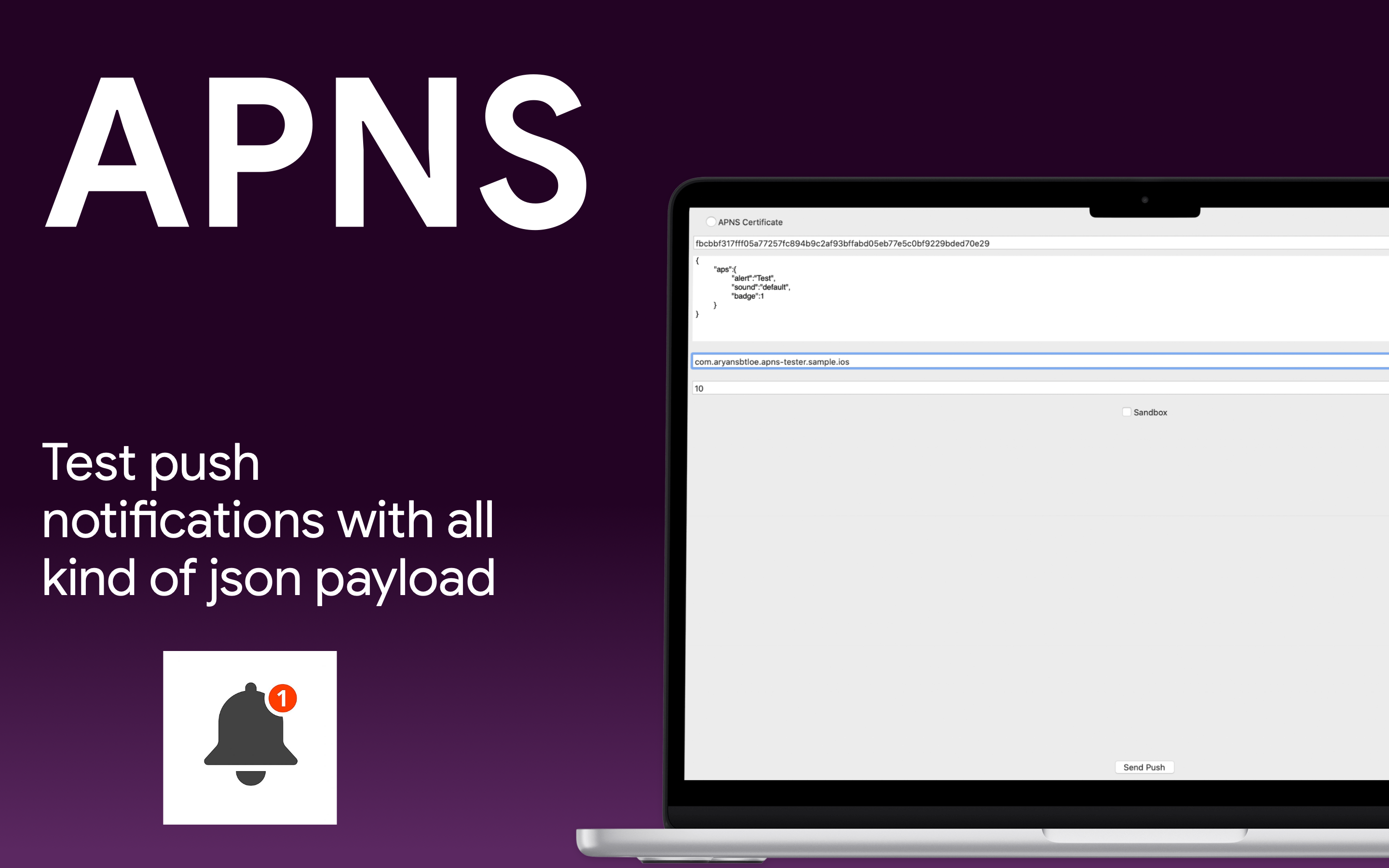
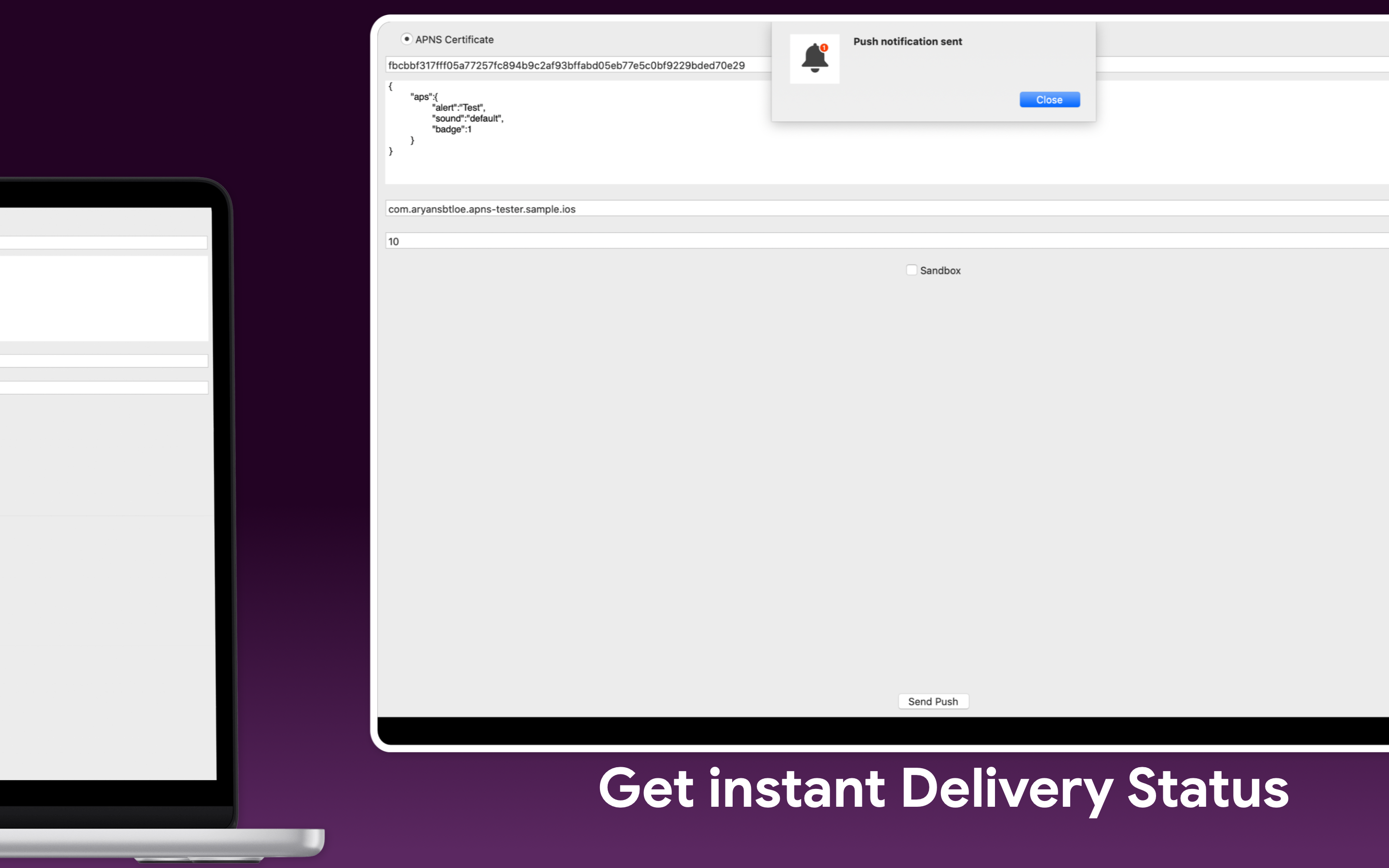
Downloads: App icon (1024×1024 PNG) · Screenshot 1 · Screenshot 2 (full resolution PNG)

Push Notification - Client
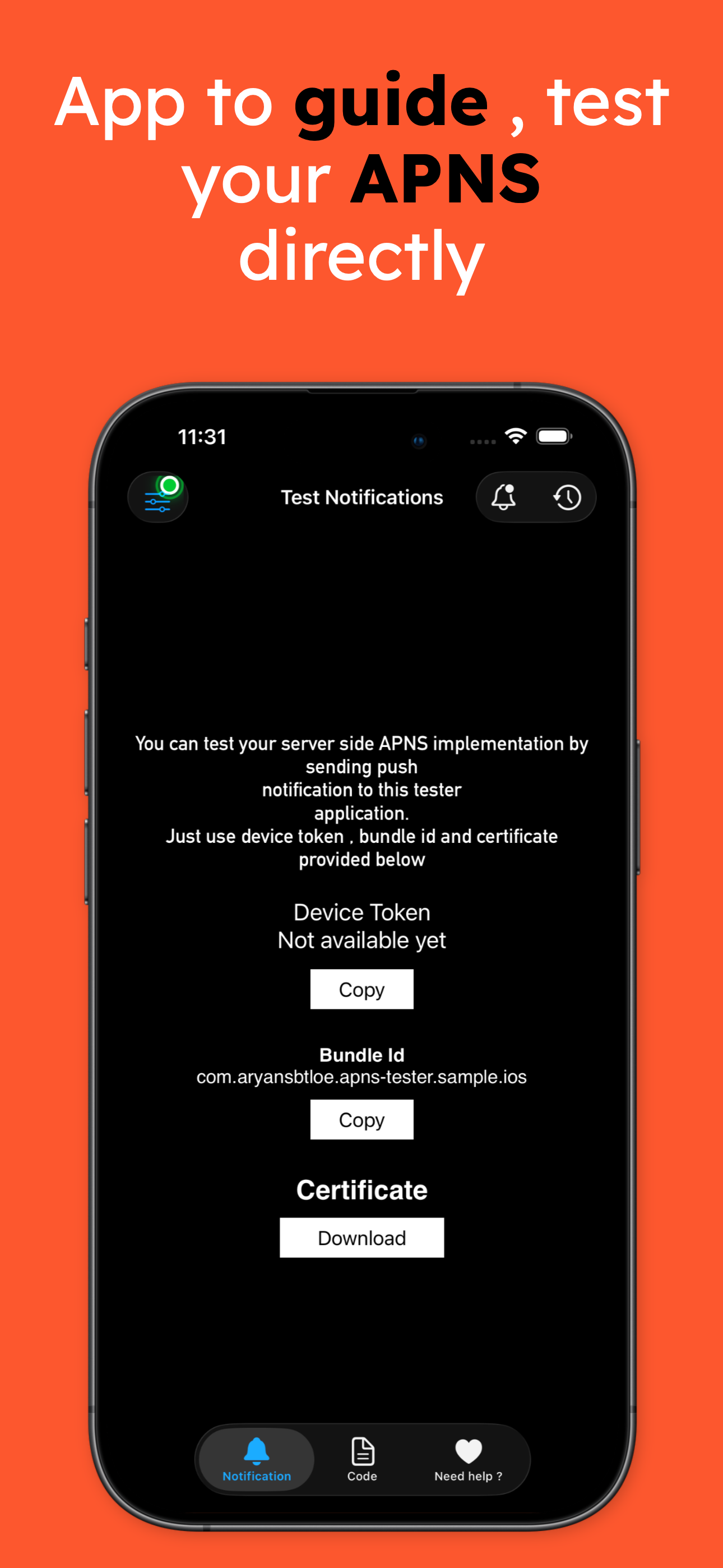
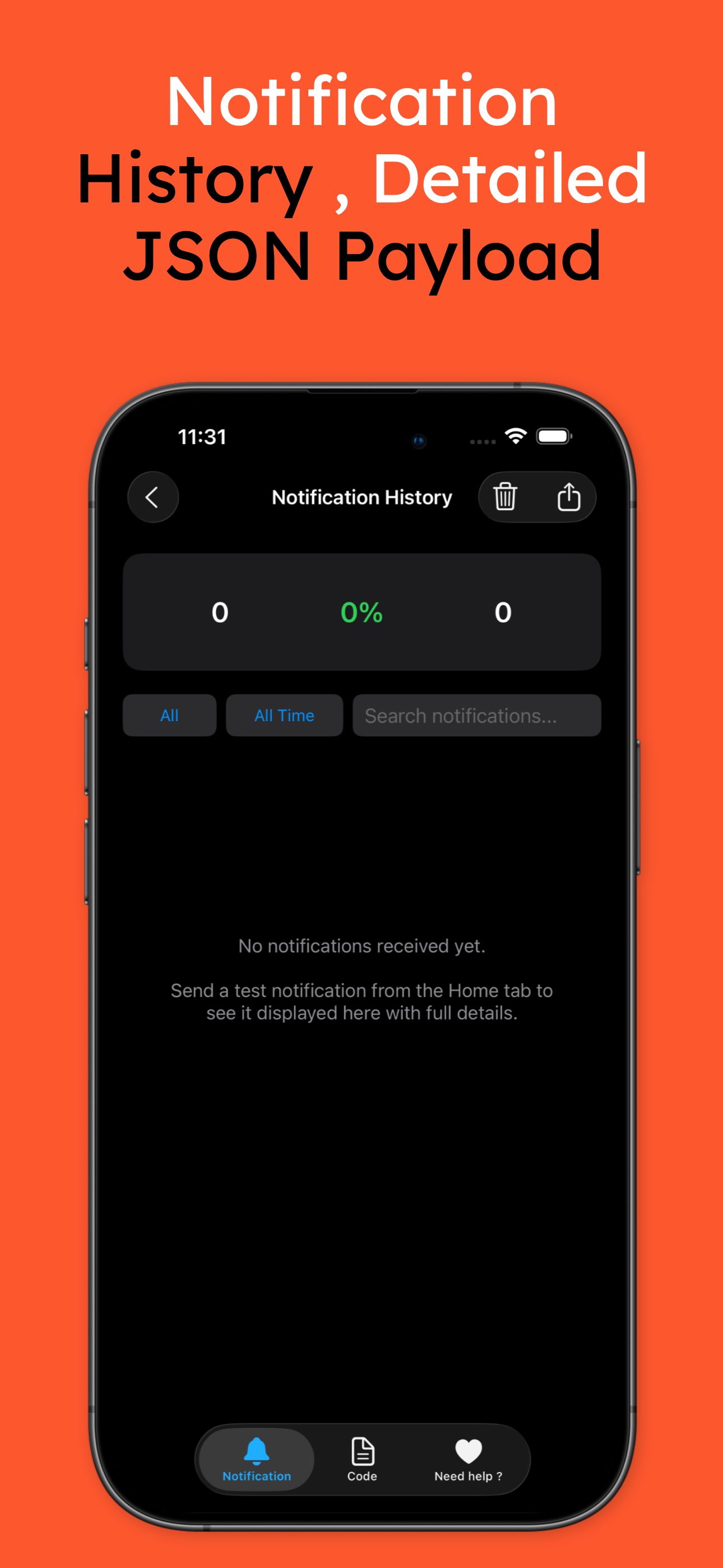
An iPhone and iPad app that receives test pushes, so backend developers can test APNs code without building an app.
| Category | Developer Tools |
|---|---|
| Platforms | iPhone, iPad |
| Price | Free (contains ads). In-app purchase: Remove Ads $9.99 |
Key features
- Shows the device token, bundle identifier and certificate needed to send notifications to it
- Receives test pushes, so you can check your APNs code without building an app of your own
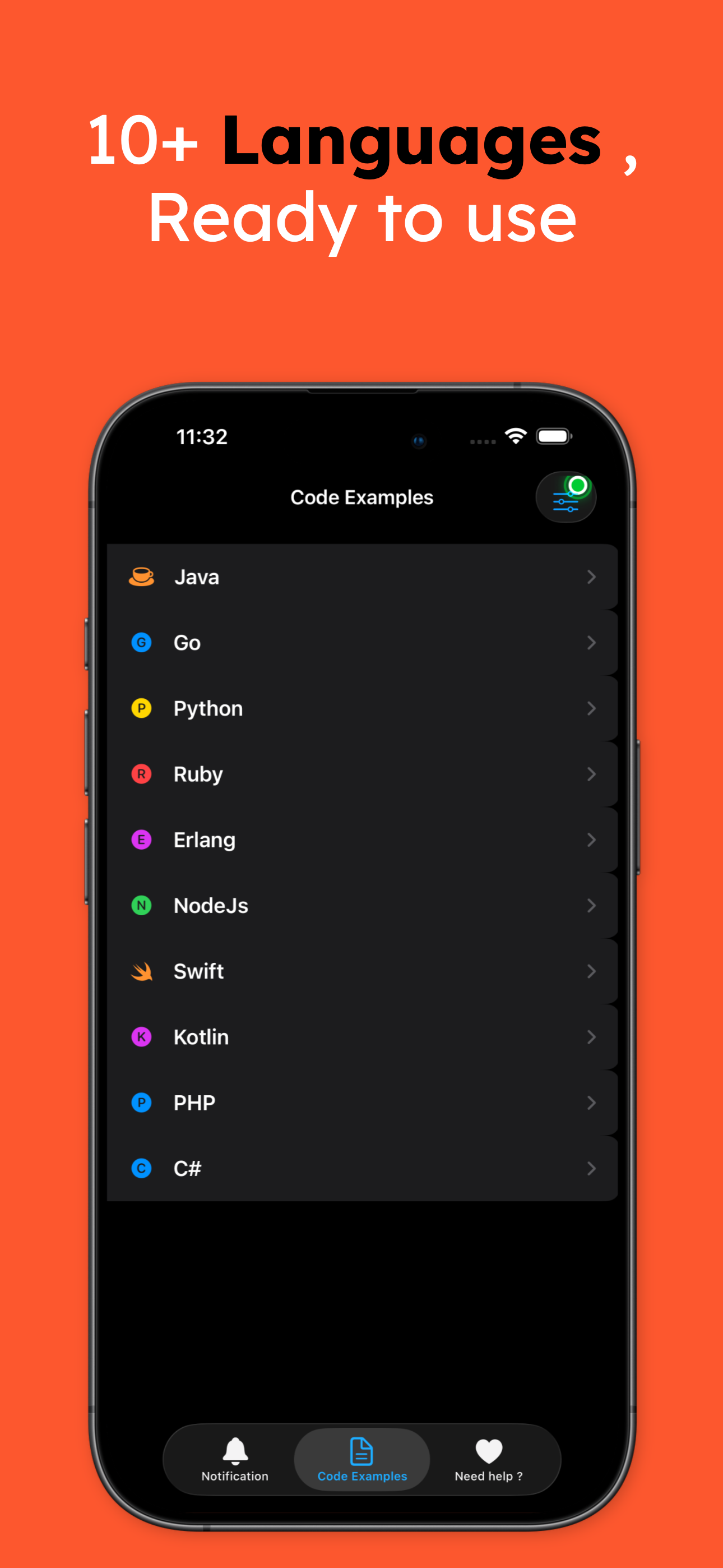
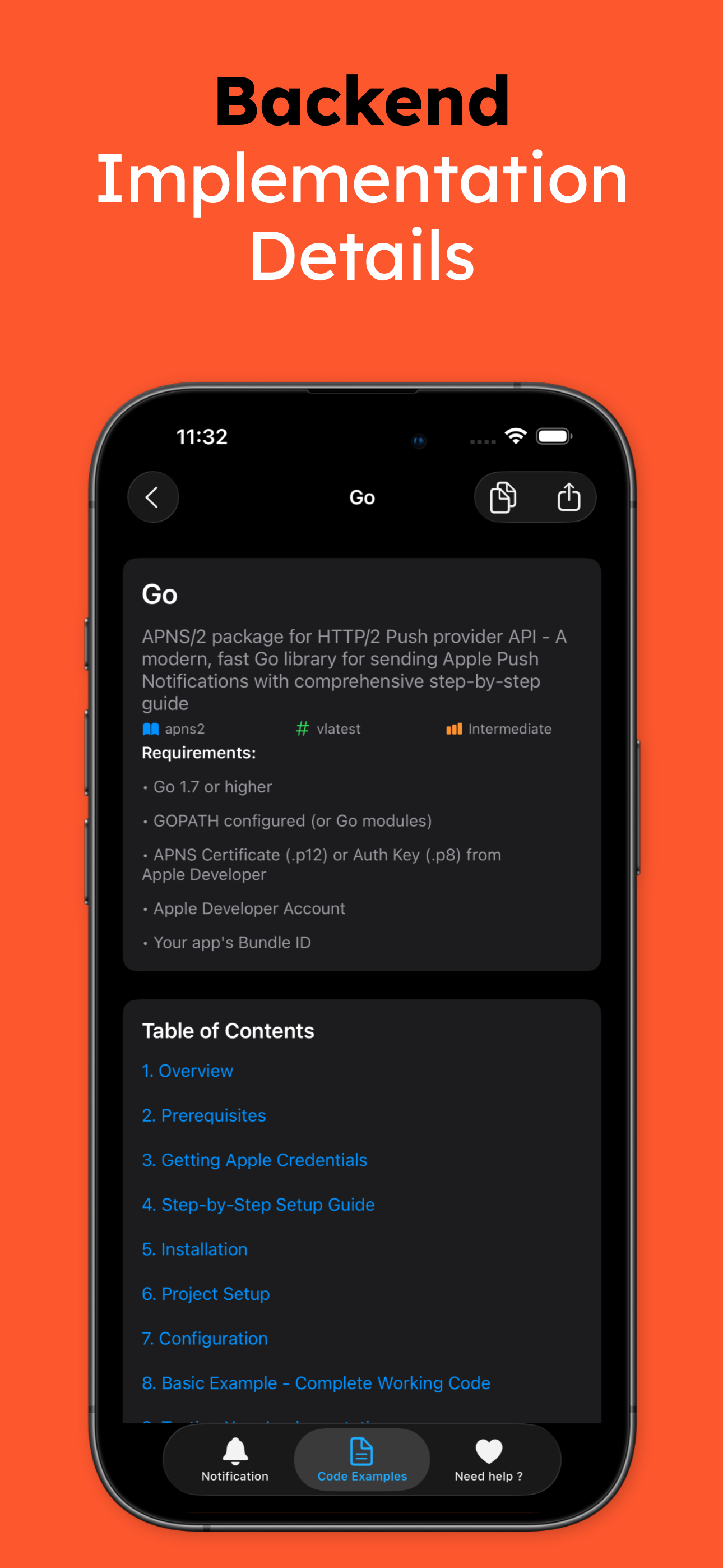
- APNs integration guidelines with code examples in Java, Go, Python, Ruby, Erlang and Node.js
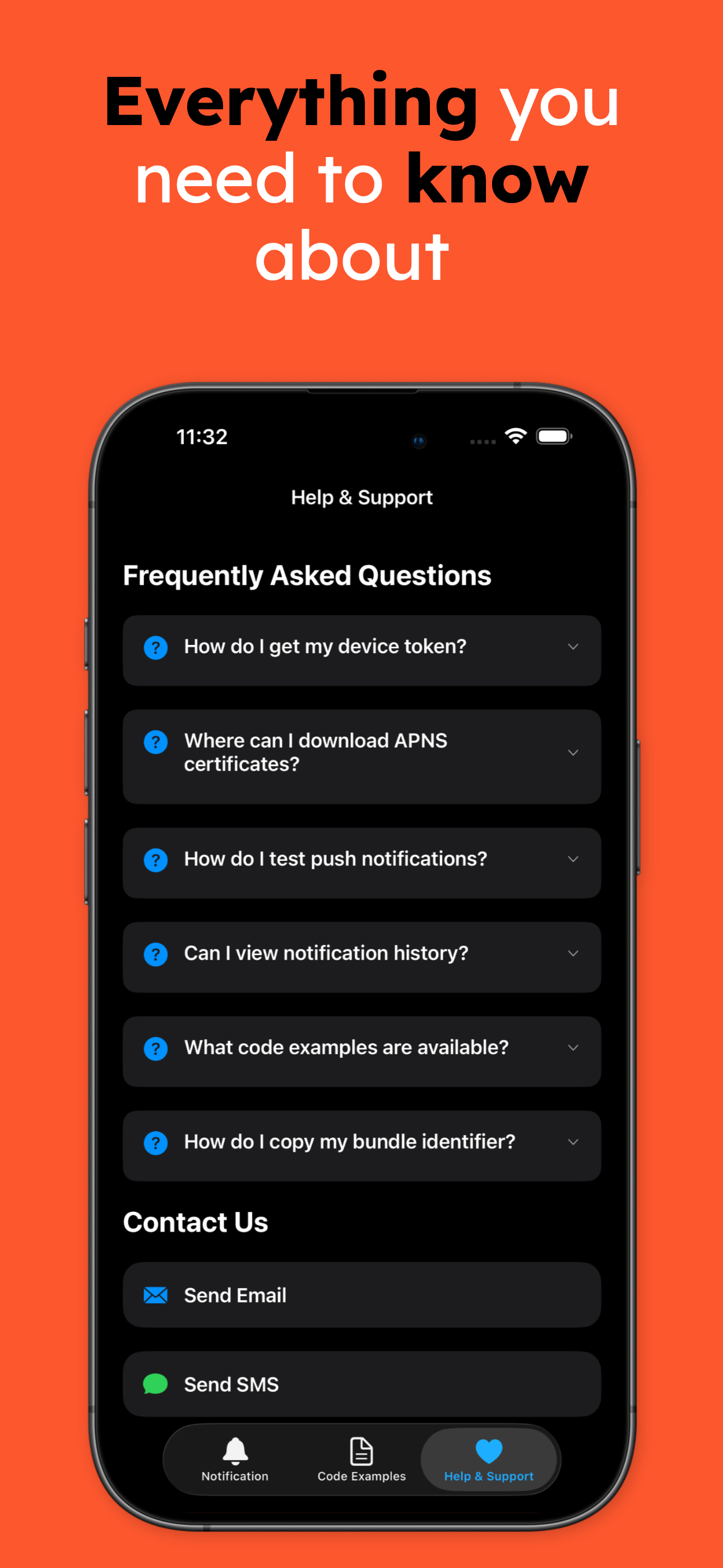
Downloads: App icon (1024×1024 PNG) · Screenshot 1 · Screenshot 2 · Screenshot 3 · Screenshot 4 · Screenshot 5 (full resolution PNG)
Developer guides
Contact
Alok Singh, aryansbtloe.business@gmail.com. Images may be used freely in coverage.