Why you’ll love Push Notification
How to Use ?
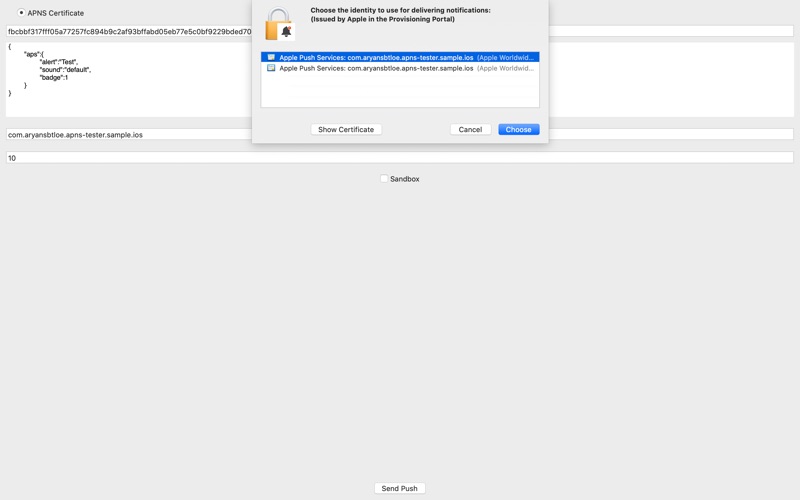
1: Get Push Notification Certificates (Ask the iOS Developer)
2: Install Certificates on your Mac KeyChain
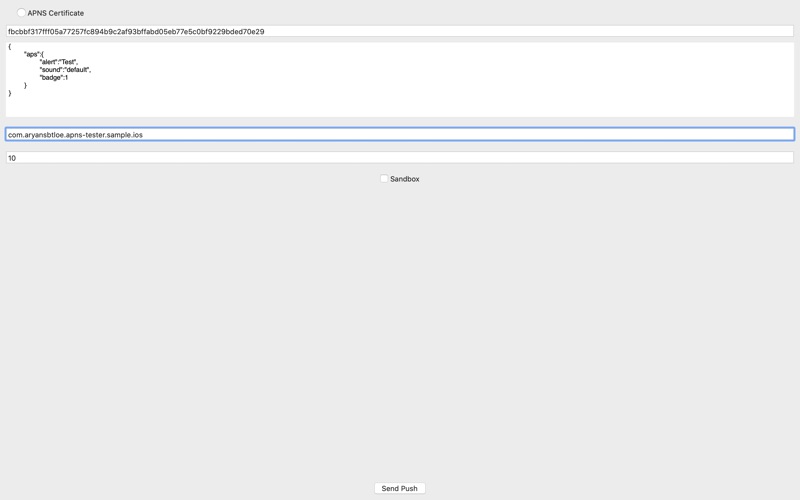
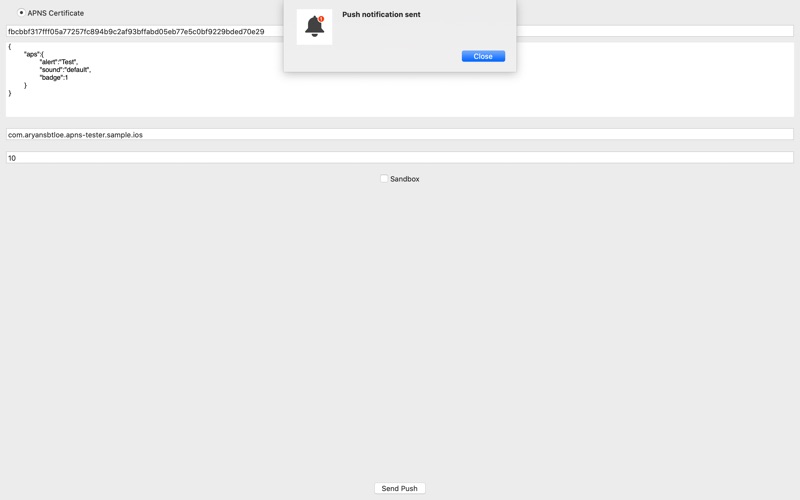
3: Choose Certificate and fill other details and tap 'Send Push'
1. Send push notifications to APNS (Apple Push Notification Service) easily with out any dependency of your backend server.
2. Select the push-certificate right from your keychain.
Getting started with Push Notification
Download Push Notification
Get Push Notification free from the App Store on your iPhone or iPad and open it.
How to Use ?
How to Use ?
1: Get Push Notification Certificates (Ask the i
1: Get Push Notification Certificates (Ask the iOS Developer)
App privacy
Your privacy matters. Push Notification is built to keep your data on your device wherever possible. The app may show ads (Google AdMob) and use basic, anonymous analytics to improve the experience. Push Notification does not sell your personal data.
Frequently asked questions
Is Push Notification free?
Push Notification is available on the App Store for ₹ 99. It may also include optional in-app purchases.
What is Push Notification?
A simple application to test Apple Push Notification Service (APNS). Where developers can use for Push Notification Testing of apps right from their Mac.
What devices does Push Notification support?
Push Notification runs on iPhone. It requires iOS 14.6 or later.
When was Push Notification last updated?
The latest version is 2025.10.28, released on 2025-10-29.
Explore more about Push Notification
Reviews, comparisons and guides.
Push Notification details
What’s new (v2025.10.28)
- Bug fixes, Performance improvements and some Optimisations to improve your experience more better.
Get Push Notification today
Download Push Notification on the App Store and start in seconds.