See Scan Via Cam in action
Why you’ll love Scan Via Cam
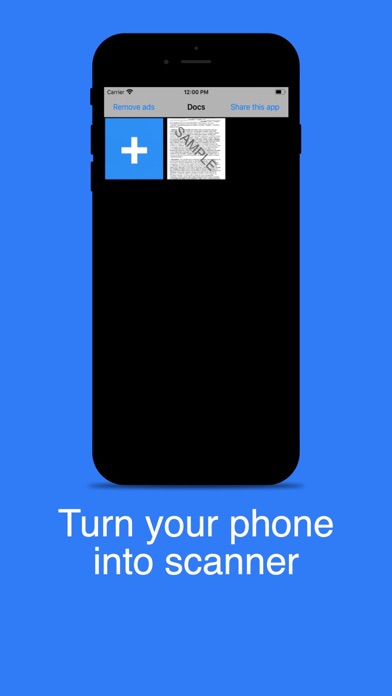
Scan docs into clear & sharp image, to email, fax, print or save to cloud
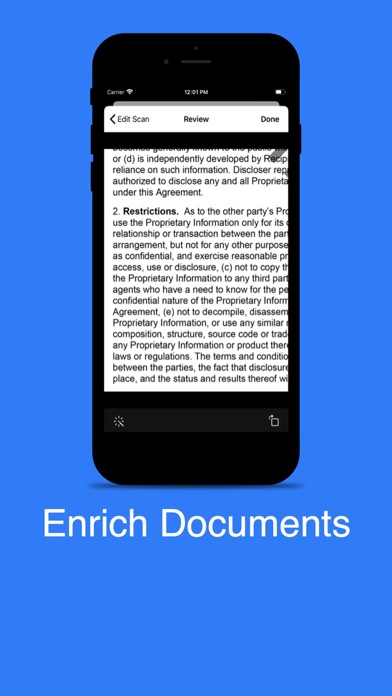
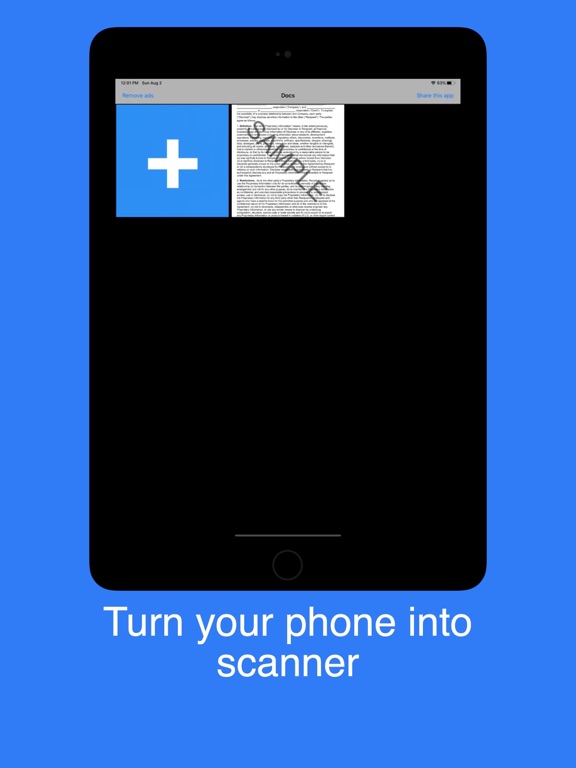
Use your phone camera to scan receipts, notes, invoices, whiteboard discussions, business cards, certificates, etc.
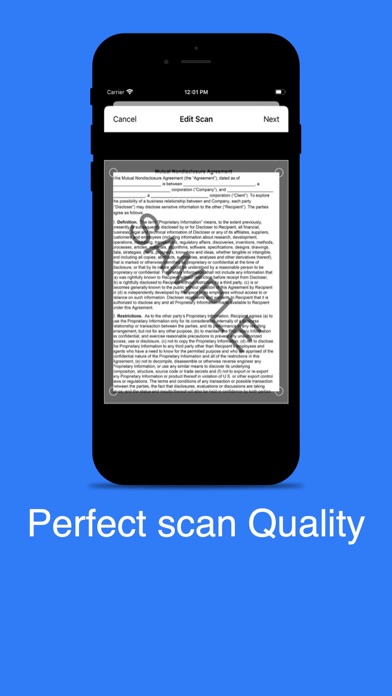
Optimise Scan Quality
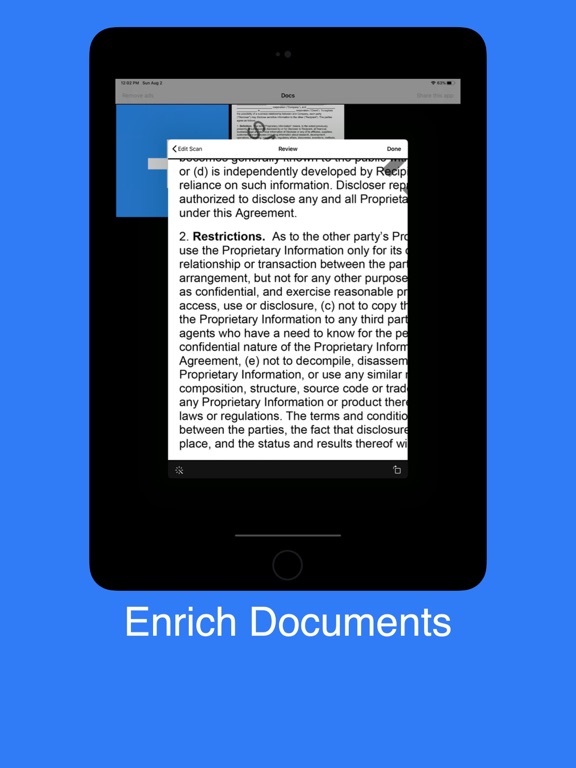
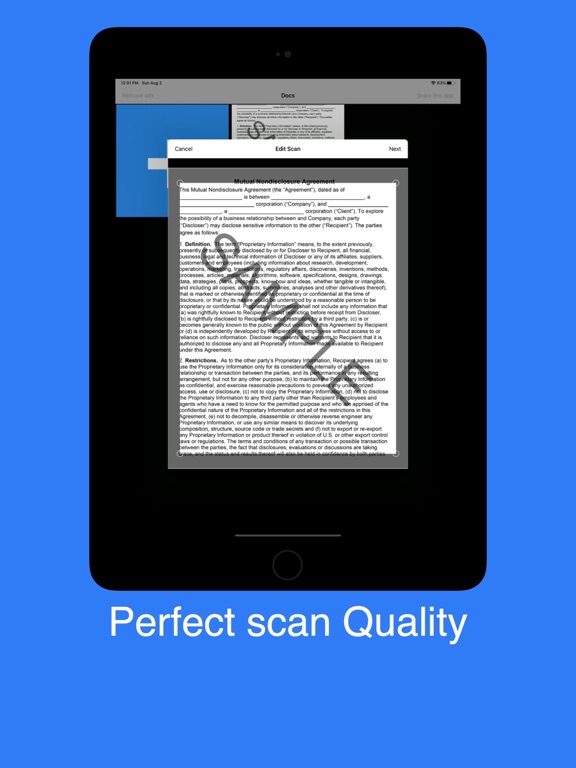
Smart cropping and auto enhancing make the texts and graphics look clear and sharp.
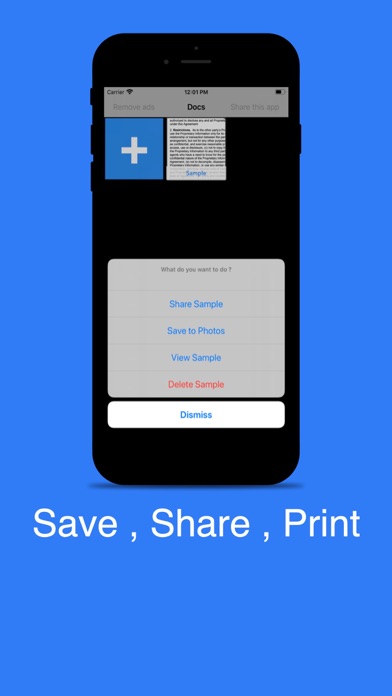
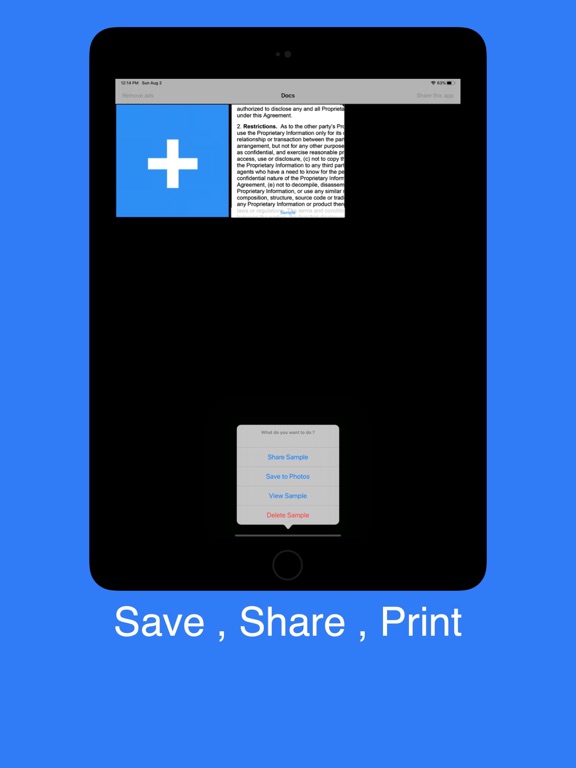
Easily share documents in Png format with others via social media, email attachment
Instantly print out docs in CamScanner with nearby printer via AirPrint
Getting started with Scan Via Cam
Download Scan Via Cam
Get Scan Via Cam free from the App Store on your iPhone or iPad and open it.
Scan docs into clear & sharp image
Scan docs into clear & sharp image, to email, fax, print or save to cloud
Use your phone camera to scan receipts
Use your phone camera to scan receipts, notes, invoices, whiteboard discussions, business cards, certificates, etc.
Scan Via Cam on iPad
App privacy
Your privacy matters. Scan Via Cam is built to keep your data on your device wherever possible. The app may show ads (Google AdMob) and use basic, anonymous analytics to improve the experience. Scan Via Cam does not sell your personal data.
Frequently asked questions
Is Scan Via Cam free?
Yes, Scan Via Cam is free to download on the App Store.
What is Scan Via Cam?
*Scan docs into clear & sharp image, to email, fax, print or save to cloud Features: *Mobile Scanner Use your phone camera to scan receipts, notes, invoices, whiteboard discussions, business cards, certificates, etc. *Optimise Scan Quality Smart cropping and auto enhancing make the texts and graphics look clear and sharp.
What devices does Scan Via Cam support?
Scan Via Cam runs on iPhone and iPad. It requires iOS 12.0 or later.
When was Scan Via Cam last updated?
The latest version is 2022.08.16, released on 2022-08-19.
Explore more about Scan Via Cam
Reviews, comparisons and guides.
Scan Via Cam details
What’s new (v2022.08.16)
- Bug fixes, Performance improvements and some Optimisations to improve your experience more better.
Get Scan Via Cam today
Download Scan Via Cam on the App Store and start in seconds.