APNs device token checker
Paste one or many iOS device tokens to check the hex format and length, clean up brackets and spaces, and spot base64, FCM tokens and truncated Data descriptions.
- Format and length check
- Free, no sign-up
The token is checked in this tab; this tool's code doesn't send it anywhere.
Paste one or more tokens, one per line.
Swift: turn the Data into the hex string APNs wants
func application(_ application: UIApplication,
                 didRegisterForRemoteNotificationsWithDeviceToken deviceToken: Data) {
    let token = deviceToken.map { String(format: "%02x", $0) }.joined()
    sendToServer(token)  // plus whether this build uses sandbox or production
}
Free to use, no account. More push tools
What a correct token looks like
Your app gets the token as Data in didRegisterForRemoteNotificationsWithDeviceToken. APNs wants those bytes written as hexadecimal in the request path, /3/device/<token>, with no spaces, brackets or prefix. Today that is 32 bytes, so 64 hex characters, but Apple's documentation says device tokens are of variable length and not to hard-code their size. This checker therefore warns about other lengths instead of rejecting them, and your database column should not be fixed at 64 characters.
The four mix-ups this page catches
- The iOS 13 description string. Older code built the token from NSData's
description(Objective-C, or Swift that bridged to NSData). Up to iOS 12 that printed<740f4707 bebcf74f ...>, which could be cleaned up. Since iOS 13 it prints{length = 32, bytes = 0x740f4707 bebcf74f ... 61bb78ad }, with the middle bytes cut out. If yours has the dots, the token is gone: fix the app with the Swift code above and wait for devices to send it again. - Base64. Some backends store the raw bytes as base64. It decodes cleanly, so this page shows the hex, but APNs needs hex.
- FCM registration tokens. Firebase tokens contain a colon and are around 150 or more characters. They go to FCM, not APNs. In a Firebase app the APNs token is
Messaging.messaging().apnsToken. - UUIDs.
identifierForVendorand SDK user IDs look like8-4-4-4-12hex. They identify a user or install, not a push address.
What no checker can tell you
A token carries no visible sign of the environment it belongs to. A development build run from Xcode registers with the sandbox, and TestFlight, Ad Hoc and App Store builds register with production. Send a sandbox token to api.push.apple.com, or the reverse, and APNs answers 400 BadDeviceToken. Store the environment next to each token when the app uploads it. A well-formed token can also be dead: the app was deleted or the person turned notifications off for good. Only sending a push tells you that, as 410 Unregistered with a timestamp; see APNs error codes.
Batch cleaning
Paste a column from your database, one token per line. Each line gets its own verdict, duplicates are counted once, and the box at the bottom collects the clean, lowercase hex tokens you can paste back. Treat tokens as private identifiers even though they are not secrets: they let anyone with your key push to that device.
Questions
How long is an APNs device token?
Currently 32 bytes, which is 64 hexadecimal characters. Apple says device tokens are of variable length and should not be hard-coded, so store them in a text column without a fixed size and let a different length through with a warning.
Why does my token look like {length = 32, bytes = 0x...}?
That is how iOS 13 and later describe an NSData value. Code that built the token from NSData's description now gets this text, often with the middle bytes replaced by dots. (Swift's own description of Data is just "32 bytes".) Convert the Data with map { String(format: "%02x", $0) }.joined() instead.
Can I tell sandbox from production by looking at the token?
No. Nothing in the token shows its environment. Record it in the app when you upload the token: builds run from Xcode use the sandbox, TestFlight and App Store builds use production. A mismatch returns 400 BadDeviceToken.
Is this an FCM token or an APNs token?
An APNs token is hex only, 64 characters today. An FCM registration token is longer, contains a colon and letters beyond a to f, and goes to Firebase, not APNs. UUID-shaped values are neither.
Do device tokens change or expire?
They can change, for example after a restore to a new device or a reinstall, so send the token to your server every time the app registers. A token stops working when the app is removed; APNs then answers 410 Unregistered and you should delete it.

From the same developer
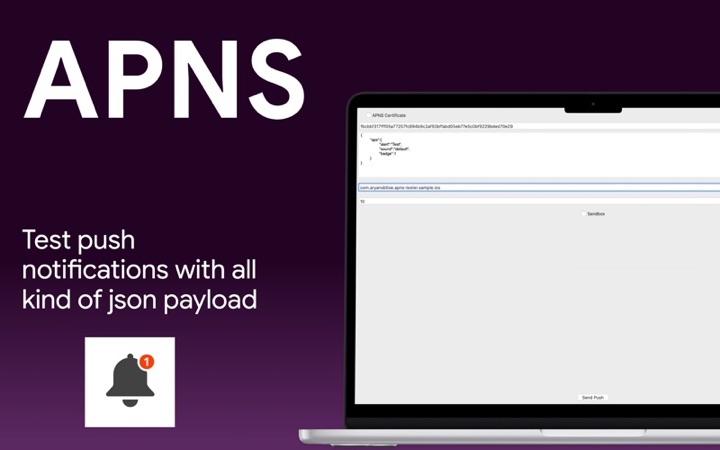
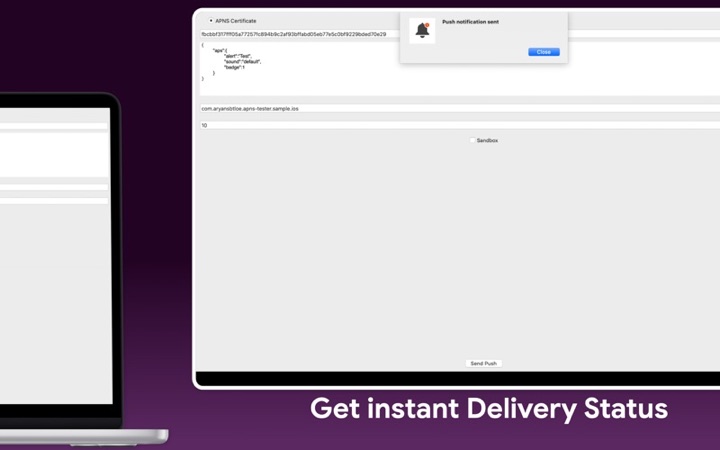
- Push Notification Tester: send APNs test pushes from your Mac.
- Push Notification - Client: the iPhone app that receives your test pushes and shows its device token.
- The device side of APNs.