Live Activity push payload builder
Build the APNs payload and headers to start, update or end a Live Activity, with checks for the mistakes that make updates silently fail.
- ActivityKit push payloads
- Free, no sign-up
Builds JSON and a curl command only; this tool's code doesn't send anything. You run the command yourself.
Filled with example values (Ana, DeliveryAttributes, A1042, com.example.app): replace them with yours.
APNs request
Date helper
Swift Date values in content-state decode as seconds since 1 January 2001.
Seconds since 2001:
Free to use, no account. More push tools
What the system expects
- Header
apns-push-type: liveactivityand topic<bundle ID>.push-type.liveactivity. The device token is the Live Activity's push token (or the push-to-start token), not the app's normal device token. aps.timestampin seconds since 1970 andaps.event: start, update or end. The system keeps the update with the newest timestamp, so a stale clock makes updates look ignored.content-statemust decode into yourContentStatetype. ActivityKit uses the default JSON strategies, so keys are your Swift property names exactly and a custom encoder setting on your server breaks decoding.- The payload is limited to 4,096 bytes like any other notification.
Dates are the trap
Because ActivityKit decodes with the default JSONDecoder, a Date property expects a number of seconds since 1 January 2001, not a UNIX time and not an ISO-8601 string. Send 1761370200 (a UNIX time) and the activity shows a date 31 years in the future; send a string and the update fails to decode. The builder warns when a key looks like a date, and the helper converts a UNIX time by subtracting 978,307,200. The top-level timestamp, stale-date and dismissal-date are the exception: those are UNIX seconds.
Start, update, end
- start (push-to-start) needs iOS or iPadOS 17.2 or later, a push-to-start token from
pushToStartTokenUpdates,attributes-type,attributesand analert. On iOS 18, add"input-push-token": 1to receive an update token, orinput-push-channelto subscribe the new activity to a broadcast channel. - update needs
content-state. Addstale-dateso the UI can show that data is out of date if updates stop, andrelevance-scorewhen you run several activities: the highest score gets the Dynamic Island. - end should carry the final
content-state. An ended activity stays on the Lock Screen for up to four hours;dismissal-dateremoves it sooner, and a date in the past removes it right away.
Priority and the update budget
Priority 10 is delivered at once but counts toward a per-hour budget the system sets for ActivityKit pushes. Go over it and updates get throttled. Priority 5 doesn't count toward the budget; Apple suggests trying it first and mixing the two. For live scores and similar, add NSSupportsLiveActivitiesFrequentUpdates to Info.plist; people can still turn frequent updates off in Settings.
Sending it
The curl command uses $AUTHENTICATION_TOKEN for a provider JWT, which the APNs JWT generator makes from your .p8 key, and the sandbox host for builds run from Xcode. If the push is accepted but nothing changes, open Console on the Mac and filter the device logs for liveactivitiesd, apsd and chronod. For regular alert payloads, use the push notification tester.
Questions
What apns-topic does a Live Activity need?
Your app's bundle ID followed by .push-type.liveactivity, for example com.example.app.push-type.liveactivity, together with the header apns-push-type: liveactivity.
Why isn't my Live Activity updating?
The usual causes are content-state keys that don't match your ContentState properties, a Date sent as a UNIX time or ISO string, a timestamp older than the last update, the normal device token used instead of the activity's push token, or priority 10 updates throttled by the hourly budget.
How does push-to-start work?
On iOS and iPadOS 17.2 and later your app reads a push-to-start token from Activity<Attributes>.pushToStartTokenUpdates and sends it to your server. A payload with event start, attributes-type, attributes, content-state and an alert then starts a new activity, and the app receives an update token for it.
What is the difference between stale-date and dismissal-date?
stale-date marks when the current content becomes outdated, so the activity can show that it needs fresh data; it applies while the activity runs. dismissal-date applies after event end and sets when the ended activity leaves the Lock Screen, within the four-hour default.
Can I test Live Activities in the Simulator?
Yes, on a Mac with Apple silicon or a T2 chip running macOS 13 or later. Log the activity's push token from the app, then send the payload with the curl command to the sandbox host. Apple's Push Notifications Console can send them too.

From the same developer
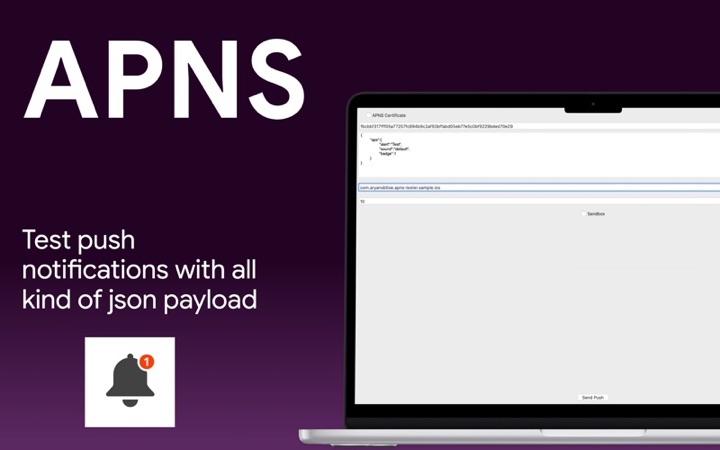
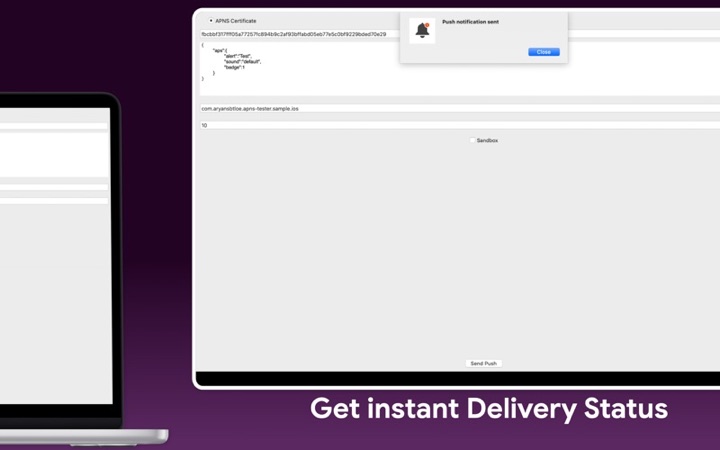
- Push Notification Tester: send APNs test pushes from your Mac.
- The sending side of APNs.