app-ads.txt generator and checker
Build mode writes correct seller lines from your network and publisher IDs. Check mode reads an existing file and reports errors, warnings and duplicates line by line.
- Build and validate
- Free, no sign-up
Contact and ownership lines (optional)
Runs in your browser. Nothing you type or open is uploaded. Free to use, no account. More developer tools

How to use it
- Pick Build to create a file, or Check to test one.
- In Build, add each network with your publisher ID; in Check, paste the file.
- Download app-ads.txt and upload it to the root of the website in your store listing.
How app-ads.txt works
Ad buyers read app-ads.txt from the developer website listed on your App Store or Google Play page, for example https://example.com/app-ads.txt, to confirm which sellers may sell your ad space. Each line has the ad system domain, your account ID, DIRECT or RESELLER, and optionally the certification authority ID, such as f08c47fec0942fa0 for Google.
The checker flags lines with too few fields, unknown relationship values, AdMob IDs in the wrong format, missing certification IDs for well-known networks, duplicates and stray characters such as a byte order mark. The file must sit at the root of the domain itself; a subfolder or a different domain is skipped by crawlers.
Private by design
Privacy
Everything runs in this page and stays on your device. The file is built and checked inside this page.
This page also shows Google ads, which can use cookies. Privacy and cookies explains how.
Questions
Where do I upload app-ads.txt?
To the root of the domain of the developer website in your store listing, so it opens at https://yourdomain.com/app-ads.txt. AdMob crawls it from there.
What is my AdMob line?
google.com, pub-0000000000000000, DIRECT, f08c47fec0942fa0, with your own 16-digit publisher ID from AdMob > Settings > Account.
How long does AdMob take to verify it?
AdMob usually crawls a new or changed file within 24 hours, and can take a few days. Check the status in AdMob under Apps > app-ads.txt.
Is app-ads.txt the same as ads.txt?
The format is the same. ads.txt is for websites; app-ads.txt is for apps and lives on the developer website.

From the same developer
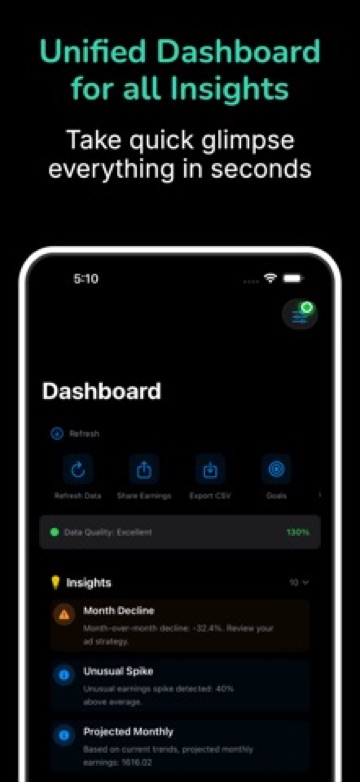
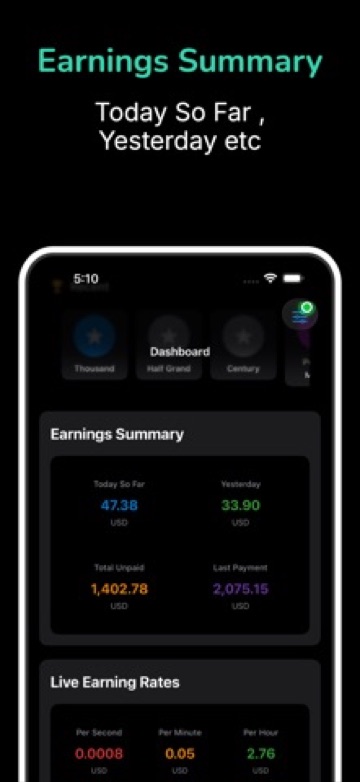
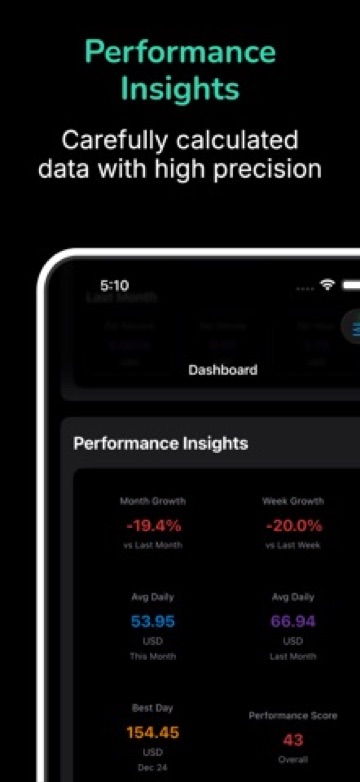
- AdEarnings Pro: the matching app.