JSON to Swift Codable converter
Paste a JSON response and get Swift Codable types: nested structs, optionals merged across array items, CodingKeys or convertFromSnakeCase, Date and URL detection, and a matching decoder.
- Codable structs from JSON
- Free, no sign-up
Converted in this tab; this tool's code doesn't upload your JSON.
Paste JSON to start.
Swift types
Decoding it
Free to use, no account. More developer tools

How types are inferred
- Whole numbers become
Int; anything with a decimal point or exponent becomesDouble, even1.0. The parser keeps the number as written, so1.0is not mistaken for an integer, and integers too large forIntbecomeDouble. - Arrays of objects are merged: every element is read, keys that are missing from some elements or are
nullin any of them become optionals, andIntmixed withDoublebecomesDouble. - Objects with exactly the same shape share one type, so an
authorand aneditorwith the same keys produce one struct. - Array element types are named in the singular:
postsgives[Post],categoriesgives[Category]. - Strings that are ISO-8601 date-times become
Date, and http or https strings becomeURL. Turn either off if your API sends odd values in those fields. - A field that is only ever
null, an empty array, or a mix of types getsJSONValue, a small enum included in the output. Replace it once you know the real type.
CodingKeys or convertFromSnakeCase
With CodingKeys every Swift name is camelCase and the enum maps it to the JSON key, for example case createdAt = "created_at". It is explicit, survives renames and works for keys like user-name. With convertFromSnakeCase the decoder converts keys itself and the structs stay short. Watch its rule: it lowercases the first word and capitalises the rest, so user_ID becomes userId, not userID. When a key can't be converted to a valid Swift name, the generator still writes a CodingKeys entry using the converted name, which is what the decoder compares against.
Dates, money and Sendable
- The decoder snippet matches the output. Plain ISO dates use
.iso8601. If any sample date has fractional seconds, such as2026-10-25T06:30:00.123Z,.iso8601alone fails, so you get a.customstrategy with.withFractionalSeconds. - Amounts of money arrive as JSON numbers but should not be added up as
Double. Change those properties toDecimal; JSONDecoder decodes it from a number. Sendableis on by default because value types withletproperties qualify. Afinal classwithvarproperties doesn't, and the generator says so rather than adding@unchecked.
Big files
Responses up to a few megabytes convert as you type. Larger input moves to a Web Worker so the page stays responsive, and this tool's code still doesn't send the JSON anywhere. The sample shapes the types: if a key is missing from every element you pasted, it can't appear in the output, so paste a response that includes the optional fields.
Questions
Should I use CodingKeys or convertFromSnakeCase?
CodingKeys if you want every mapping visible in code or the keys mix styles; convertFromSnakeCase if the API is consistently snake_case and you want short structs. Don't use both for the same key: with the strategy on, CodingKeys values must be the converted names.
How are optionals decided?
A property is optional if any sample value is null or if the key is missing from at least one object in an array. Paste a response with as many cases as you have, because a key that is always present in the sample is generated as non-optional.
How do I decode ISO-8601 dates?
Set decoder.dateDecodingStrategy = .iso8601 for dates like 2026-10-25T06:30:00Z. For dates with fractional seconds, use a custom strategy with ISO8601DateFormatter and .withFractionalSeconds; the generator writes it for you when the sample needs it.
What about mixed arrays and mixed number types?
Int and Double in the same field become Double. Other mixes, like numbers and strings, become JSONValue, an enum that decodes any JSON value. Replace it with a concrete type or a custom init(from:) once you know the rules.
Is my JSON uploaded?
No. The JSON is converted in this tab, and this tool's code doesn't upload it. Large input is handled by a Web Worker in the same tab.

From the same developer
- Convert as you type: currency conversion in Swift.
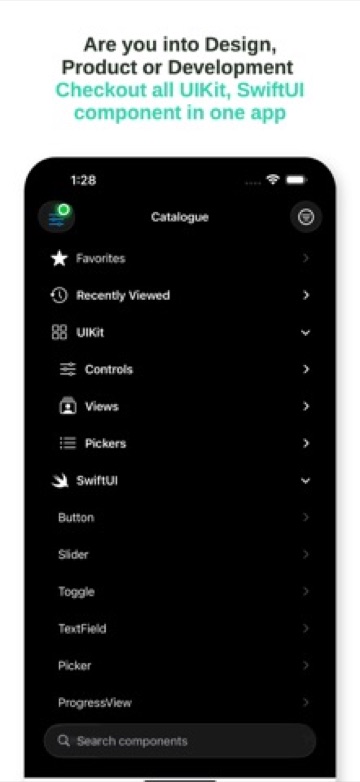
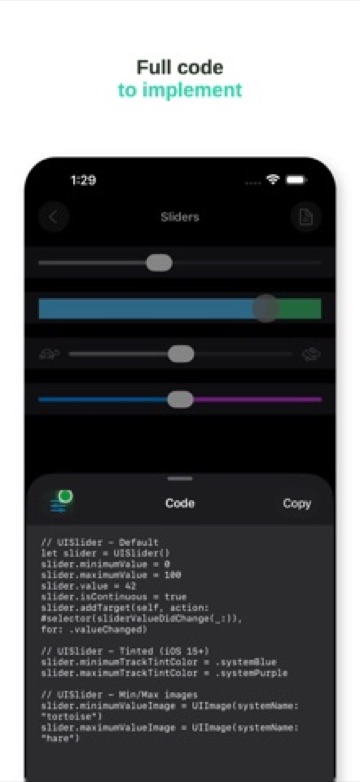
- Catalog - UI: a hands-on gallery of iOS UI components.