.mobileprovision viewer
Open a provisioning profile to see its app ID, team, type, expiry, devices, certificates and entitlements. The file is read in this tab; this tool's code doesn't send it anywhere.
- Provisioning profile reader
- Free, no sign-up
Drop a .mobileprovision or .provisionprofile file here or choose it. The file is read in this tab; this tool's code doesn't send it anywhere.
Viewing only: the profile's signature is not verified.
Entitlements
Certificates
Devices
Raw plist
Free to use, no account. More developer tools
What's inside a provisioning profile
A .mobileprovision file is a property list wrapped in a CMS (PKCS #7) signature from Apple. This viewer finds the XML plist inside the signed data and reads it, the same content security cms -D -i profile.mobileprovision prints on a Mac. It does not check Apple's signature, so use it to read a profile, not to prove one is genuine. Apple notes that the format isn't documented and can change; modern systems use the binary DER-Encoded-Profile inside it as the source of truth, which carries the same values.
Reading the summary
- Type is inferred:
ProvisionsAllDevicesmeans Enterprise (or Developer ID on the Mac); a device list withget-task-allowtrue means Development, without it Ad Hoc; no device list means App Store. - application-identifier is the Team ID plus the bundle ID, and can end in
*for a wildcard profile. - Expires turns amber within 30 days and red once passed. Development and distribution profiles both expire; an expired one stops Development and Ad Hoc builds from launching.
- Certificates lists each signing certificate's name, Team ID and expiry. A build signed with a certificate that isn't in this list won't install.
Entitlements that explain common failures
aps-environment:developmenttokens work only withapi.sandbox.push.apple.com, andproductionwithapi.push.apple.com. A mismatch is the usual reason for 400 BadDeviceToken. If the key is missing, Push Notifications isn't enabled for the App ID.com.apple.developer.associated-domains: the domains for universal links and shared web credentials. If your domain isn't here, no AASA file will help; check the file itself with the AASA validator.com.apple.security.application-groupsandkeychain-access-groups: what an extension or widget can share with the app.get-task-allow: true lets a debugger attach. It must be false for App Store and Ad Hoc builds.
Finding profiles on your Mac
Xcode 16 and later keep downloaded profiles in ~/Library/Developer/Xcode/UserData/Provisioning Profiles; older versions used ~/Library/MobileDevice/Provisioning Profiles. Each file is named by its UUID, which this viewer shows. In a built app the profile is embedded.mobileprovision inside the .app bundle (right-click the .ipa's app, Show Package Contents). Drop that file here to see exactly what a build was signed with.
Fixing a profile that doesn't match
A profile is a snapshot: adding a device, renewing a certificate or turning on a capability for the App ID doesn't change the copies you already have. In Certificates, Identifiers & Profiles, edit the profile, select the new devices or certificate, save and download it again; with automatic signing, Xcode does this for you on the next build. Then drop the new file here and compare the UUID, the device count and the entitlements with the old one before you ship the build.
Questions
How do I see which devices are in a profile?
Drop the .mobileprovision file here and open the Devices section: every UDID in ProvisionedDevices is listed, with a search box. App Store profiles have no device list, and Enterprise profiles cover all devices.
Is aps-environment development or production?
The summary shows it. development means the build's tokens belong to the APNs sandbox; production means api.push.apple.com. TestFlight, Ad Hoc and App Store builds are production.
Why did my profile expire?
Every profile has an ExpirationDate. Profiles also stop working when the certificate they contain expires or is revoked, or when you change the App ID's capabilities. Regenerate it in Certificates, Identifiers & Profiles, or let Xcode manage signing.
Where are provisioning profiles stored on a Mac?
Xcode 16 and later use ~/Library/Developer/Xcode/UserData/Provisioning Profiles; earlier versions used ~/Library/MobileDevice/Provisioning Profiles. A built app carries its own copy as embedded.mobileprovision.
Is my profile uploaded?
No. The file is read in this tab; this tool's code doesn't send it anywhere. The page only reads the plist inside the file and does not verify Apple's signature.

From the same developer
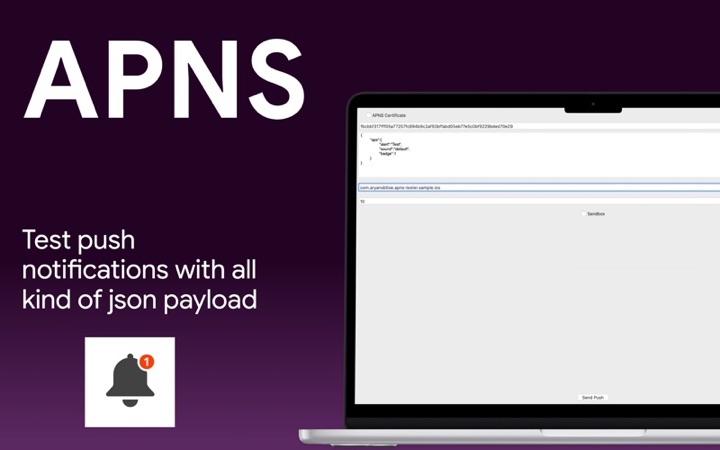
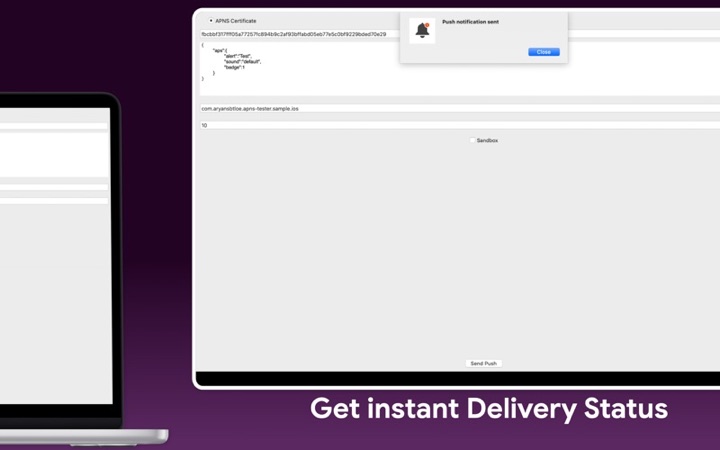
- Push Notification Tester: send APNs test pushes from your Mac.
- AASA validator: check the apple-app-site-association file for your associated domains.