JWT decoder
Paste a JSON Web Token. The header and payload appear as formatted JSON, time claims show as real dates, and the page tells you whether the token has expired.
- Claims, expiry, signature
- Free, no sign-up
Verify the signature
Runs in your browser. Nothing you type or open is uploaded. Free to use, no account. More developer tools
How to use it
- Paste the token.
- Read the header, the payload and the claims table.
- To check the signature, paste the secret or the public key and press Verify.
Reading claims and verifying
A JWT has three Base64url parts: the header, the payload and the signature. The page decodes the first two and turns exp (expiry), iat (issued at) and nbf (not before) into your local date and time, with how long ago or how soon they are. Common claims such as iss, sub and aud are labelled.
Verify checks the signature with your browser's Web Crypto API: a shared secret for HS256, HS384 and HS512, or a PEM public key for RS256, PS256 and ES256 and their larger variants. A token whose signature checks out was signed by the holder of that key and has not been changed.
Private by design
Privacy
Everything runs in this page and stays on your device. Tokens and keys stay in this tab and are kept out of the address bar and storage.
This page also shows Google ads, which can use cookies. Privacy and cookies explains how.
Questions
Is it safe to paste a token here?
The token is decoded inside this page and kept out of the address bar, storage and any request. Treat live tokens as passwords anyway, and prefer test tokens when you can.
Why does my token show as expired?
Its exp claim is earlier than your device's clock. Check the clock, or ask the issuer for a fresh token.
Can it verify an APNs or Firebase token?
Yes, if you have the public key or secret. Apple's APNs provider tokens use ES256; paste the matching public key to verify.
Does decoding prove a token is real?
Decoding only reads it. Verifying the signature with the right key shows that it was issued by that key holder.

From the same developer
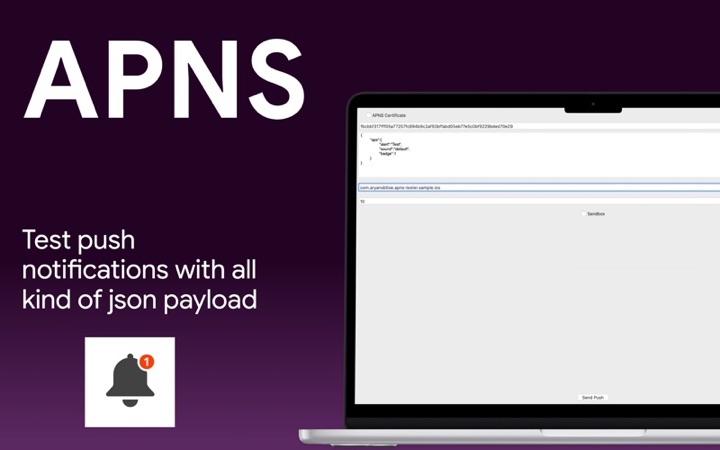
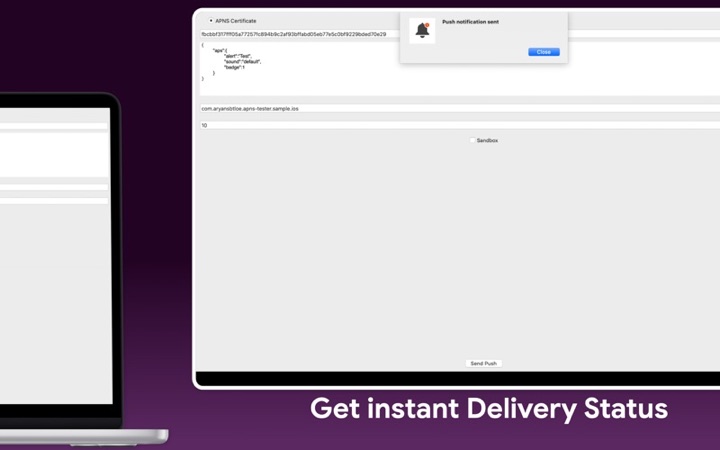
- Push Notification - Tester: the matching app.