1
Pick a template
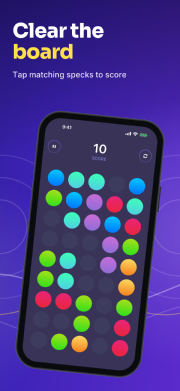
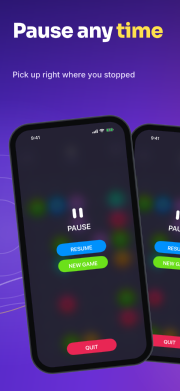
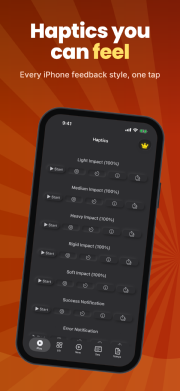
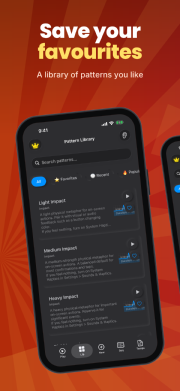
Start from one of our template sets or a blank canvas. Every set is a full six-screen story.
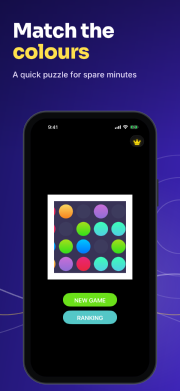
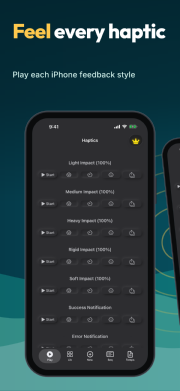
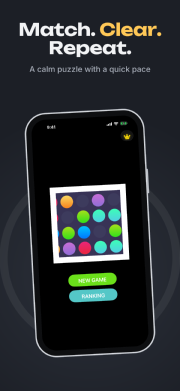
Storepanes turns your app captures into polished screenshot sets. Pick a template, write your captions, and export every size Apple and Google ask for in one ZIP.
Or try the editor without signing up. Your work stays in your browser.
Music
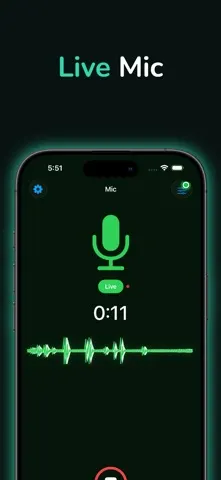
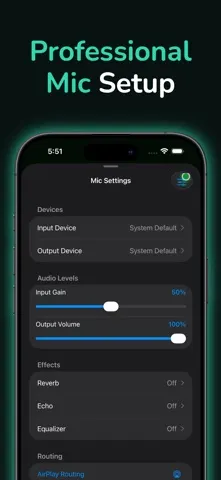
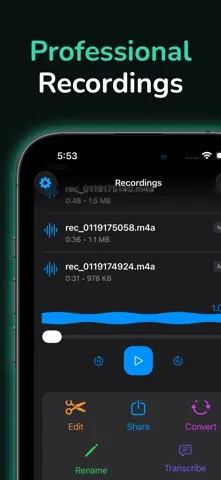
Developer Tools
Book
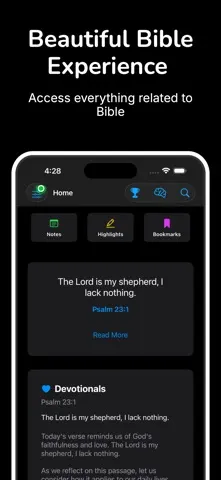
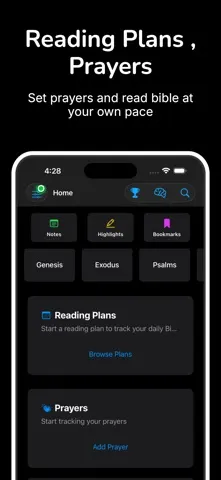
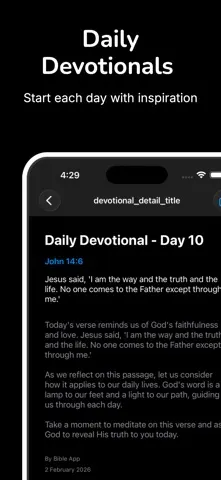
Education
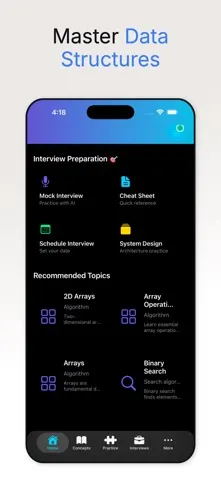
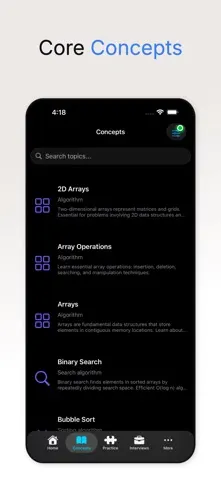
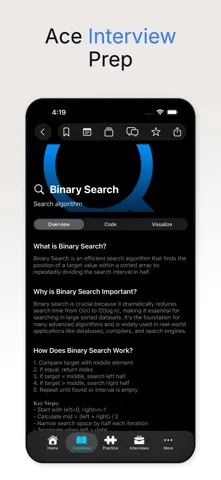
Productivity
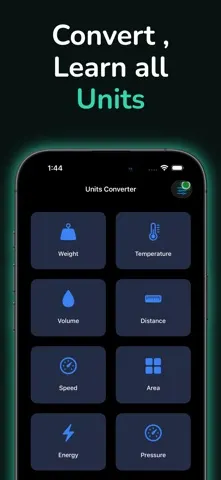
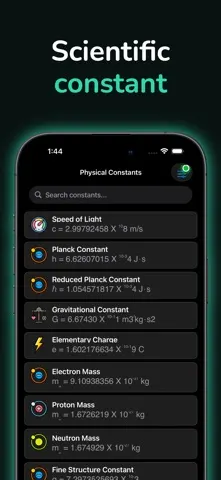
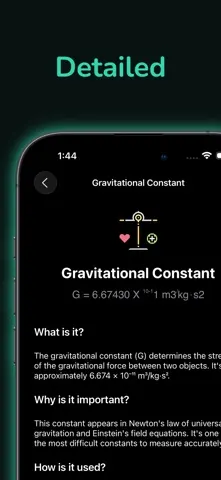
Music
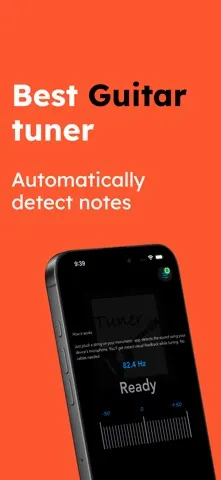
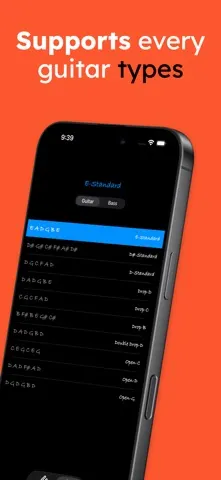
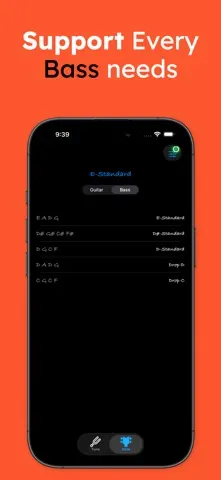
Developer Tools
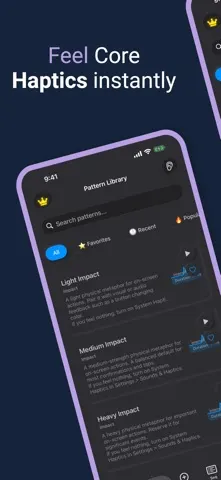
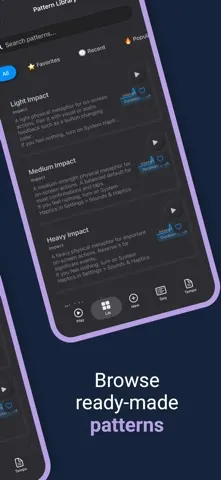
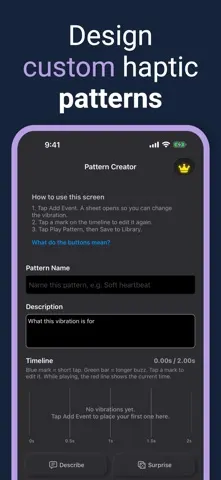
Health & Fitness
Finance
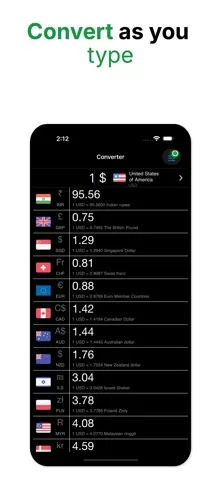
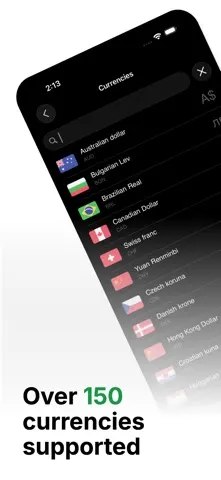
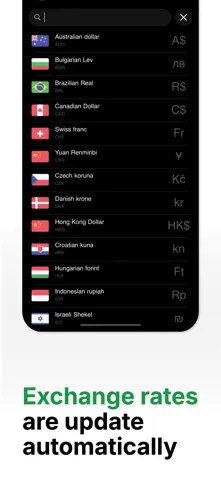
Games
Medical
Book
Music
Social Networking
Magazines & Newspapers
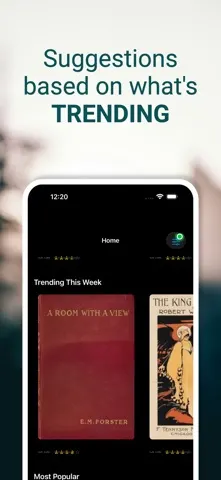
Productivity
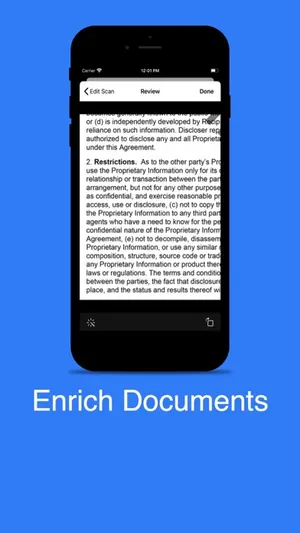
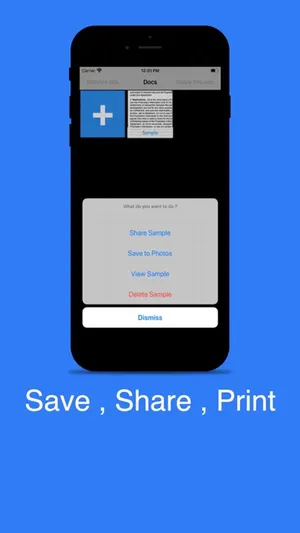
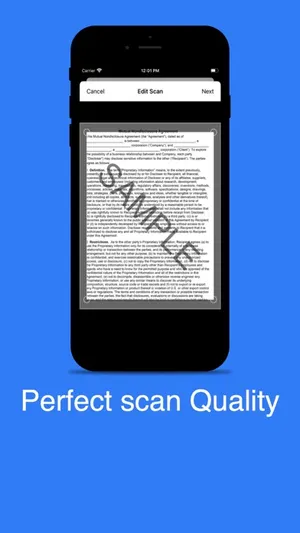
Reference
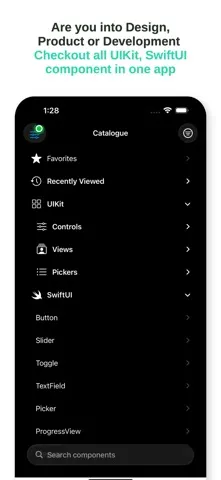
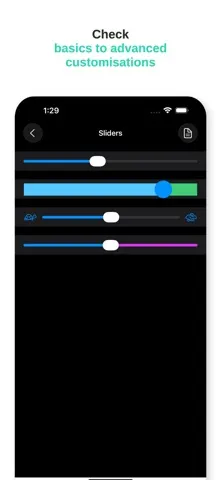
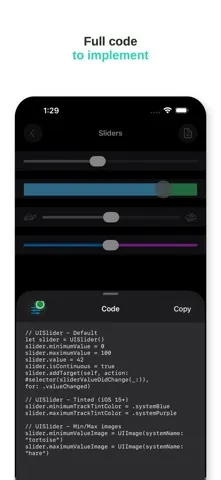

Photo & Video
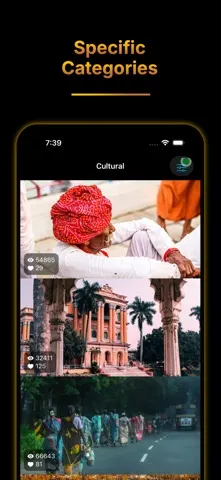
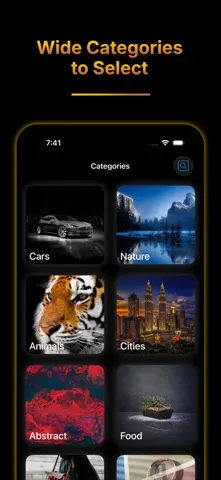
Health & Fitness
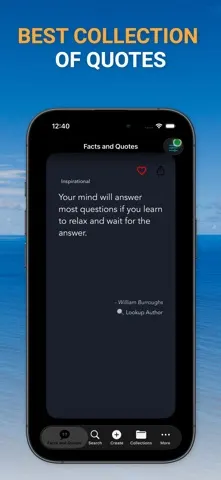
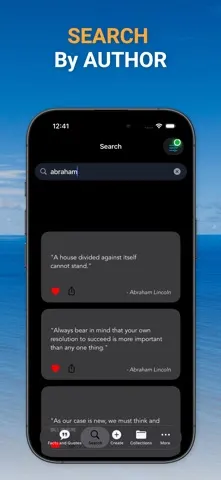
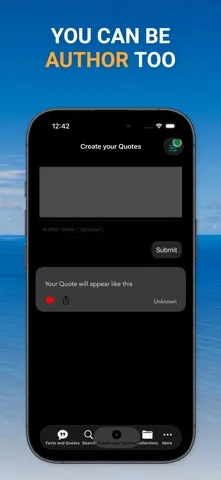
Games
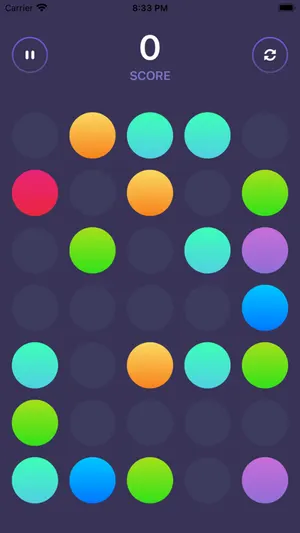
Games
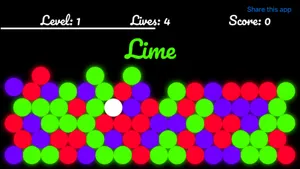
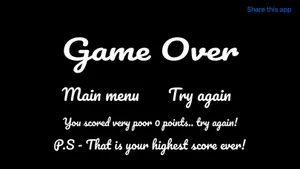
Developer Tools
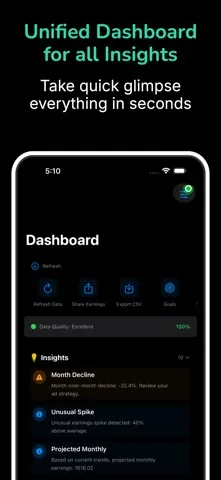
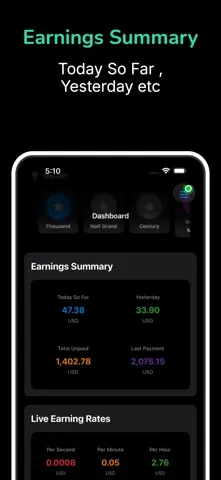
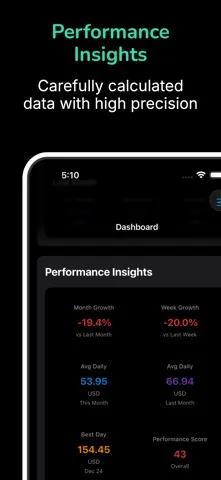
Lifestyle
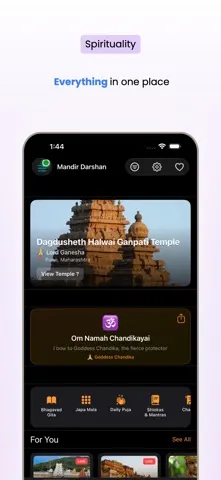
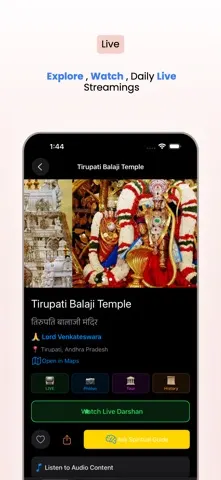
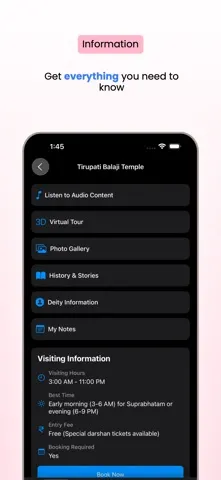
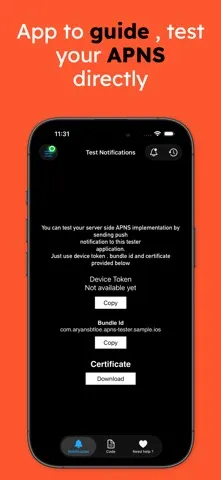
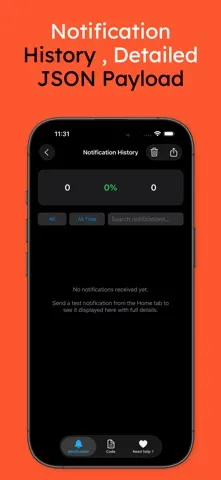
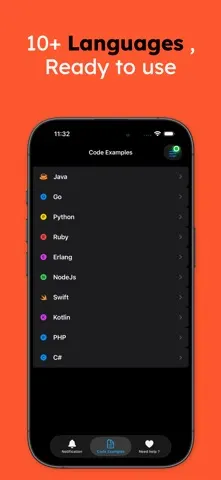
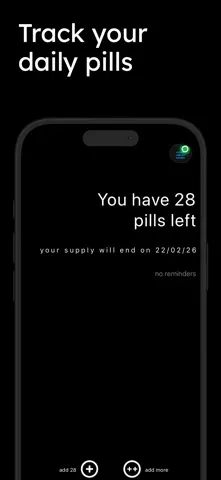
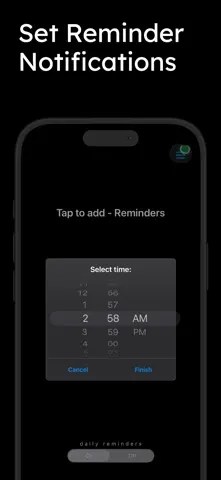
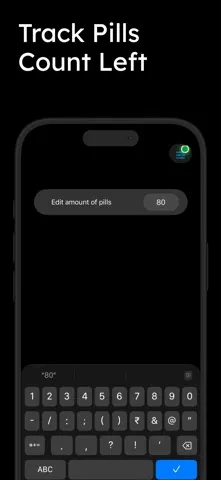
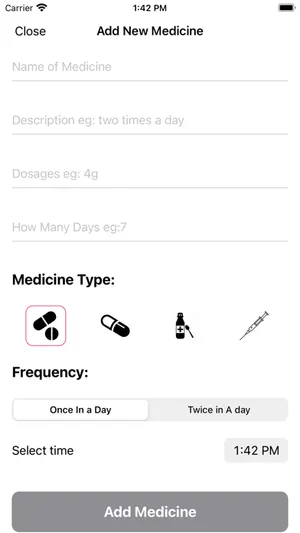
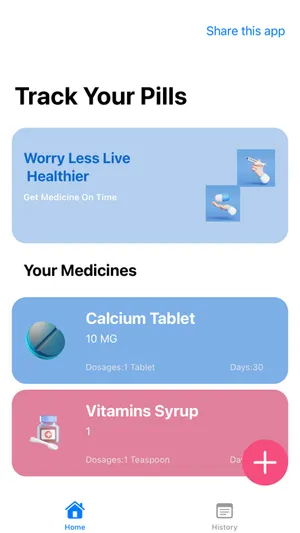
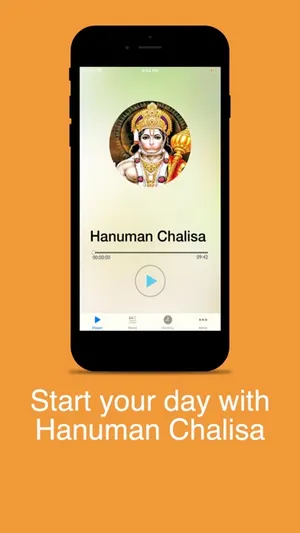
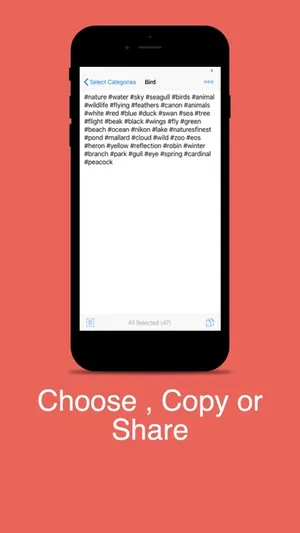
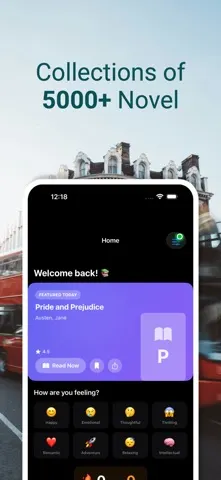
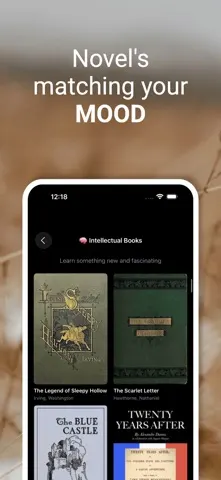
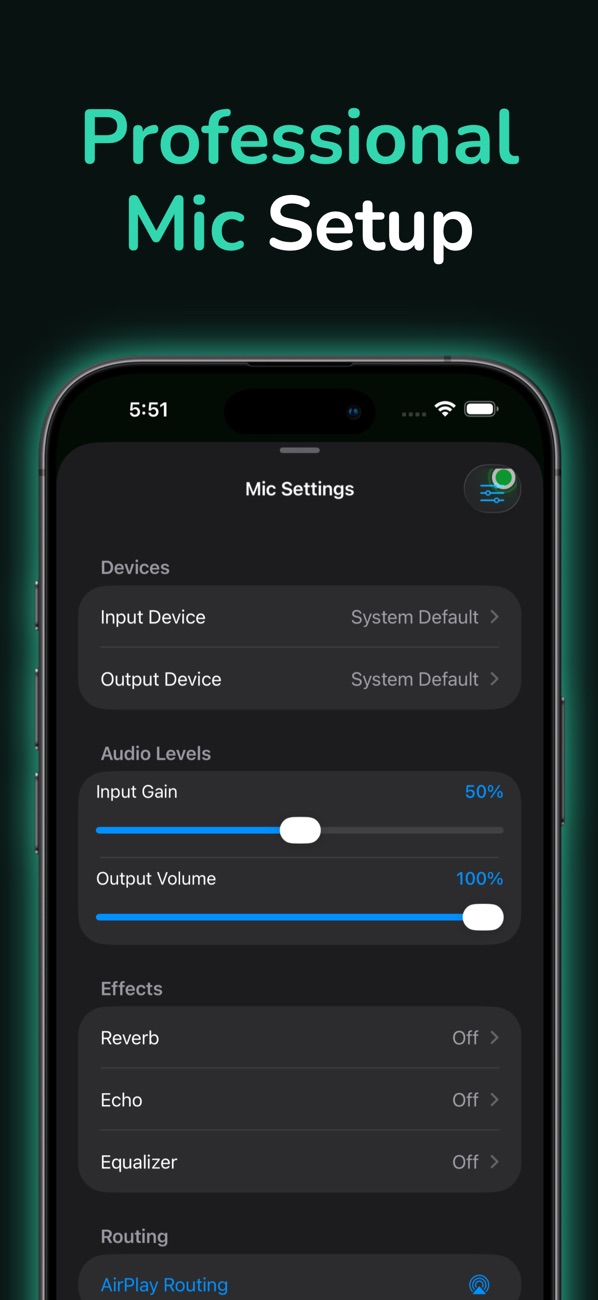
Alok Singh's published App Store apps, with their real App Store screenshots, icons and names (from the App Store's public lookup). Not an Apple screen.
How it works
No design tool needed. Everything happens in your browser.
Start from one of our template sets or a blank canvas. Every set is a full six-screen story.
Add screenshots from your app, write short captions and choose a device frame and background.
Download one ZIP with every App Store and Google Play size, sorted into folders.
Features
Built for the screenshots step of shipping an app, and nothing else.
iPhone, iPad, Android phone and tablet sizes, kept in line with Apple's and Google's published specs.
Sizes guideAdd languages and write captions per locale. Export one folder per language.
How it worksRealistic, flat or clay frames, or none at all. Set colour, scale, tilt and position.
Learn morePNG files at the exact pixel sizes, named and foldered so uploading is quick.
Learn moreTen template sets with matching captions, fonts and colours. Restyle any of them.
Browse templatesBefore you download, Storepanes flags cut-off titles and captures that don't fit a size.
Learn moreOne design → every size
Captions, frames and backgrounds adapt to each aspect ratio, so you don't rebuild the set for iPad or Android.
Templates
Each set tells a six-screen story. Swap in your captures and words.
Start free, or try the editor first without an account.