1
Add your captures
Drop PNG or JPG screenshots from your app onto each screen.
PNGJPG
Drop in your app captures and Storepanes places them in a phone or tablet frame, or none at all.
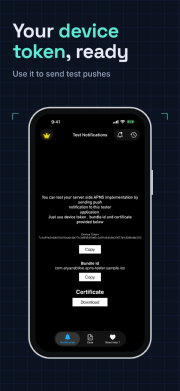
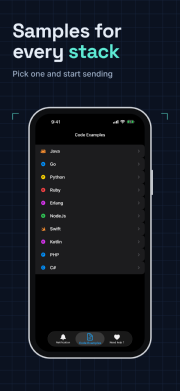
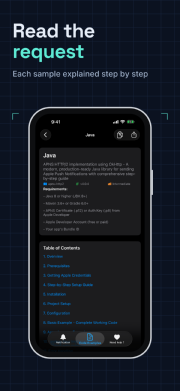
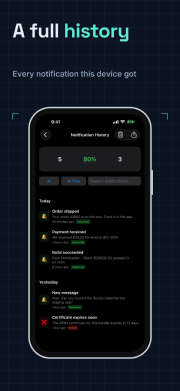
Example: a dark device frame across four screens.
How it works
Drop PNG or JPG screenshots from your app onto each screen.
Pick a frame style and colour, or turn the frame off.
Set scale and position per screen, or pin the device so every screen matches.
Details
Frames for phone and tablet sizes, portrait and landscape.
Storepanes warns when a capture doesn't match the device's shape.
Pin the device to keep it in the same place across the set.
Start free, or try the editor first without an account.