PNG to JPG
Choose a PNG. The page draws it on a white background and saves a JPEG at the quality you set.
- White behind transparency
- Free, no sign-up
Download
Choose an image. It is processed in this tab and is not uploaded.
Free to use, no account. More everyday tools

How to use it
- Choose a PNG or other image.
- Set the JPEG quality.
- Download the JPG.
Why the background is white
JPEG cannot store transparency. Pixels that were transparent are composited onto white before the file is saved. If you needed the transparency, keep the PNG.
The conversion also drops metadata, because the new file is produced from the canvas, not by rewriting the PNG container.
Private by design
Privacy
The image stays in this tab and is not uploaded.
Questions
Will a photo PNG look the same?
Close, at the quality you pick. Fine detail and gradients can shift slightly.
Can I convert a JPG to PNG?
This page always writes a JPEG. A JPG you open is re-saved as a JPEG.
Is the original modified?
No. The download is a new file.

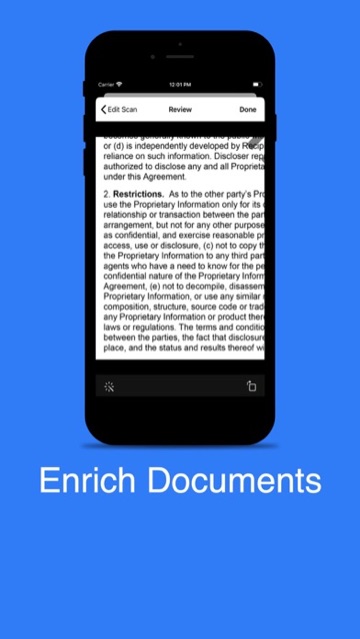
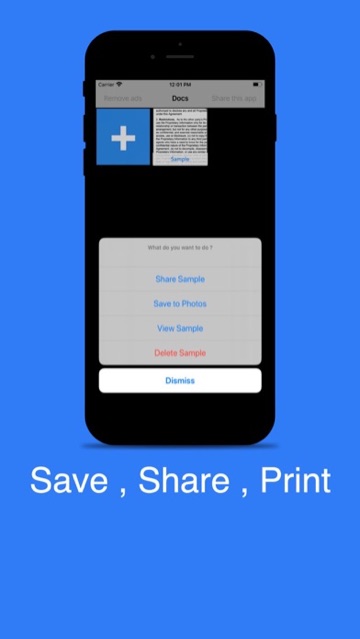
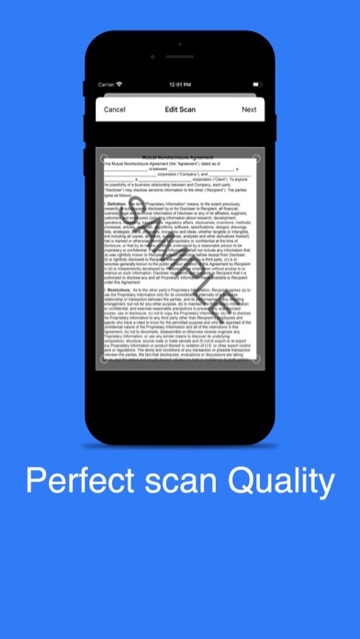
Scan Via CamSee screenshots and reviews
From the same developer
- Scan Via Cam: the matching app.